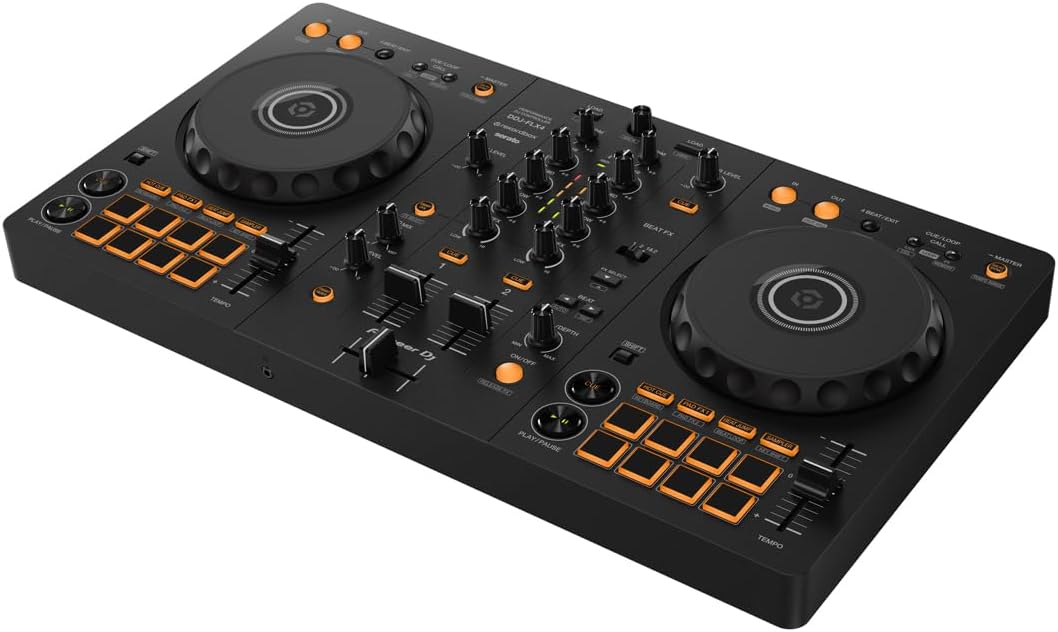
Well, Pioneer markets the FLX4 as the controller that'll take you from your bedroom to the club, but is that actually true when you're lugging it to a friend's backyard for their 30th? I've owned mine for about fourteen months now, and I've set it up in more places than I care to count, from my kitchen counter to a wobbly picnic table.
The short answer is yes, it works, but the setup process has a few curves that'll trip you up if you're not ready for them.
I'm Mara, and I've been messing around on DJ gear for going on three years now. I started on a Numark DJ2GO2 Touch, upgraded to the DDJ-200, and finally landed on the FLX4. I've played a parking lot set for a crowd of curious strangers and a lot of bedroom sessions where the only audience was my cat.
My dog Biscuit, a 60-pound lab mix who's deaf in one ear and has zero respect for cables, has napped on this controller more times than I can count.
If it survives her, it'll survive a party.
Here's the thing about setting up a DJ controller for a party: it's not plug and play, no matter what the box says. You need to think about power, sound, and software before your first guest even arrives. Let me walk you through what actually works, what doesn't, and where you'll waste an hour if you're not careful.
The First Curve: USB-C Cables and Laptops That Hate You
The FLX4 comes with a USB-C cable with both ends USB-C, which threw me for an hour the first time I opened the box. My laptop, which is a few years old, doesn't have a USB-C port. I spent way too long hunting through my junk drawer for an adapter before I realized the cable in the box was the only thing I needed. Well, not the only thing. I needed an adapter too.
So before you do anything else, check your laptop's ports. If you don't have USB-C, order a USB-C to USB-A adapter ahead of time. Don't be like me, scrambling forty minutes before a house party starts, trying to find something that works. It's a small thing, but it's the kind of curve that'll make you want to throw the whole setup out the window.
Also, and I can't stress this enough, the FLX4 is bus-powered. That means it gets its power from the USB cable, not a wall adapter. If your laptop is old or has a weak battery, the controller might not get enough juice.
I've seen the jog wheels act sluggish when my laptop was at 15% battery and in power-saving mode. Plug your laptop in.
It's a simple fix, but it's the difference between a working setup and a frustrating mess.
Sound: The Part Everyone Gets Wrong
Here's where I have to be honest about the FLX4's limits. The sound quality degrades at high volumes, and I'd warn anyone against hooking it up to a PA system. I learned this the hard way at a backyard party where I thought I could push it through a friend's powered speakers.
It worked, but it wasn't pretty. The highs got harsh and the bass lost its punch. Multiple owners report the same thing, so it's not just my unit.
For a house party or a small gathering, you're fine with a decent set of powered speakers. I use a pair of 8-inch studio monitors for smaller rooms and a single 12-inch PA speaker for bigger spaces. The FLX4's RCA outputs are unbalanced, so keep your cable runs short. Anything over 15 feet and you'll start picking up interference, especially if the cables run near power cords.
The headphone situation is the other thing that trips up every single newbie. You will spend twenty minutes wondering why you can't hear anything, and then you'll find the headphone volume knob and the Cue buttons and feel stupid.
I've done it. Every owner I know has done it. The knob is on the top left of the faceplate, and you have to press the Cue button for each deck to route it to your headphones.
It's clearly documented in the manual, but who reads the manual? I do, so you don't have to. Press Cue, turn the knob, and you're good.
Software: The Rekordbox vs. Serato Mess
This is the thing that trips up so many buyers. The FLX4 unlocks Rekordbox fully, but only gives you Serato Lite. I've seen owners feel tricked by this, and honestly, I don't blame them. If you want to use Serato properly, you're looking at ~$10 a month or ~$250 for a one-time payment. That's a real cost that isn't clear on the box.
But here's the thing: Rekordbox just works with this controller. No driver installs, no fuss. I've seen too many people spend hours troubleshooting Serato. One owner I know got it working once, then never again. Switch to Rekordbox and everything works. Get Rekordbox if you want to use this controller. That's not a workaround, that's the answer.
For a party, this matters because you don't want to be fiddling with software when you should be greeting guests. I loaded a gazillion songs into a Rekordbox playlist the night before, tested the setup, and by the time the first person arrived, I was just hitting play and mixing. That's the goal. Set up your software the day before, not the hour of.
The FX Toggle Workflow Is Clunky
This is the thing that annoys me most about the FLX4. The FX workflow requires toggling a switch between decks, and it's just not as smooth as the paddle-style FX on the REV-1 or the Numark Mixtrack Platinum FX. It's not a dealbreaker, but it's the kind of thing that becomes more annoying the longer you use it.
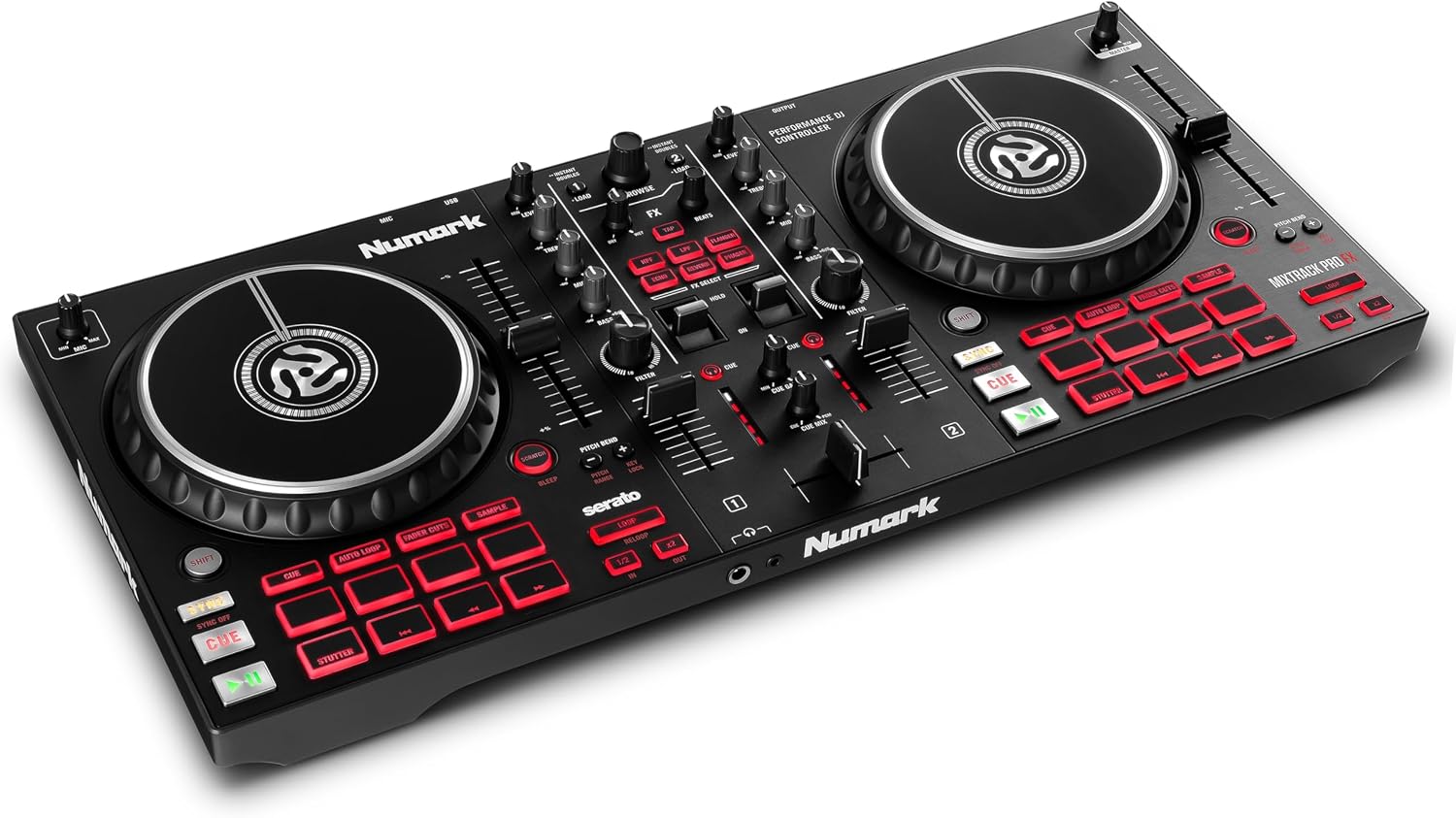

When you're in the middle of a transition and you need to switch FX, you don't want to be hunting for a toggle switch. It's a small thing, but at hour three of a set, it gets old. If you're mostly doing straightforward transitions and beat matching, you won't notice it much. But if you're the type who likes to layer effects, you'll feel the limitation.
For party settings, I keep it simple. I use the echo FX for transitions and leave it at that. The Smart Fader on Rekordbox will make you feel like a genius even when you're just messing around, because it handles BPM matching automatically. On Serato, it only applies echo, which is weak. That's a real difference you should know about before you buy.
How I Actually Set Up For A Party
Here's my exact process after fourteen months of doing this. I set up the laptop on a sturdy table, not a flimsy one. I've seen controllers slide off wobbly surfaces, and Biscuit has slept on more DJ equipment than most people will ever own, so I know what solid feels like.
I plug the FLX4 into the laptop, make sure the laptop is plugged in, and connect the RCA cables to my speakers.
I press the Cue buttons and check the headphone volume knob before I even open the software.
Then I open Rekordbox, load my playlist, and do a quick sound check. I play a track I know well, listen to the highs and lows, and adjust the trim knobs on the controller. This takes about ten minutes total. The whole setup, from zero to ready, is maybe twenty minutes if I have everything I need.
The REV-1 is worth a look if you're into scratching. The paddle FX are much better, and the layout is designed for a different style of DJing. But it's not the all-rounder that the FLX4 is. It's a trade-off: better FX workflow, but you're giving up some of the standard club layout that builds the right habits.
For a party where you're playing a mix of genres and taking requests, the FLX4 is the safer choice.
What About The Upgrade Path?
If you're just starting out, the FLX4 is where you should begin. It's the golden standard of beginner controllers, and for good reason. It's affordable, it works with Rekordbox out of the box, and it builds the right habits for moving up to club gear. At ~$299, that's ~$0.82 per day if you use it daily for a year, which is cheaper than a coffee habit and won't make you jittery.
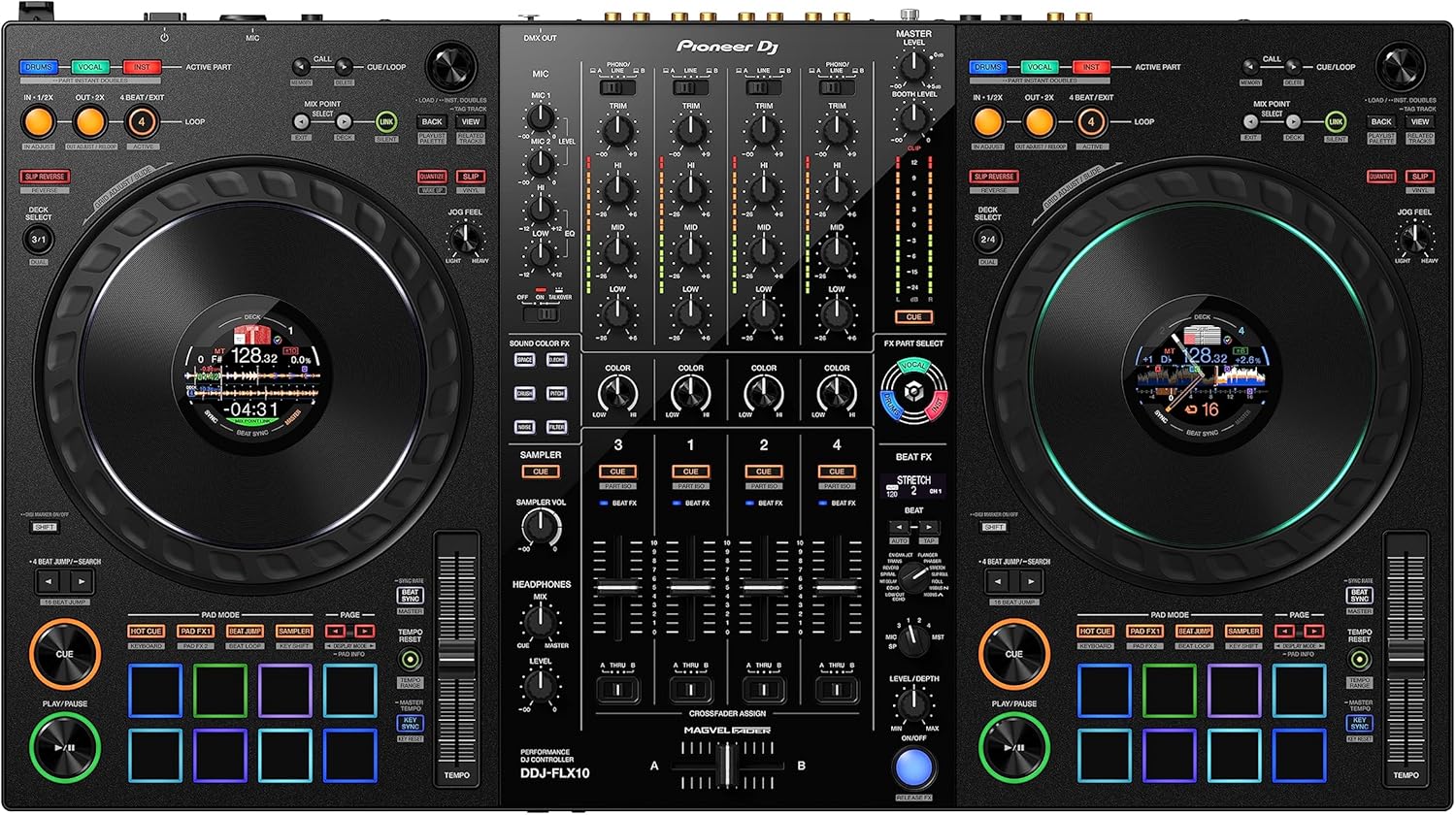
I've seen the progression: start on a DDJ-200 or a Numark DJ2GO2 Touch, outgrow it in a year, and step up to the FLX4. Then, when you're ready for something bigger, you're eyeing the FLX10 or the GRV6.
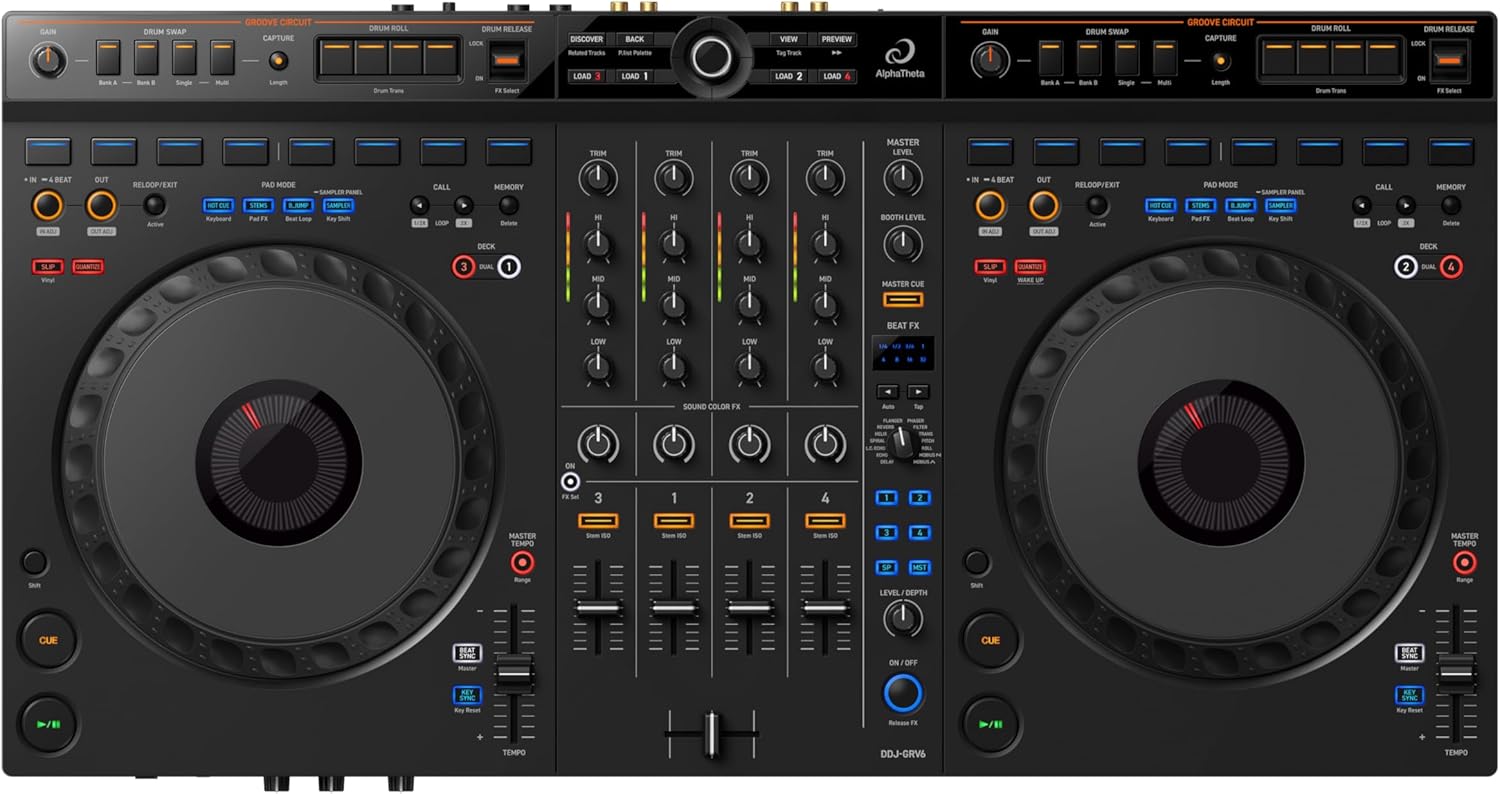
The GRV6 is a 4-channel beast, but it's a bit too heavy to move around. The FLX10 is the aspirational upgrade.
But for most people, the FLX4 is where you should start and where you'll stay for a while.
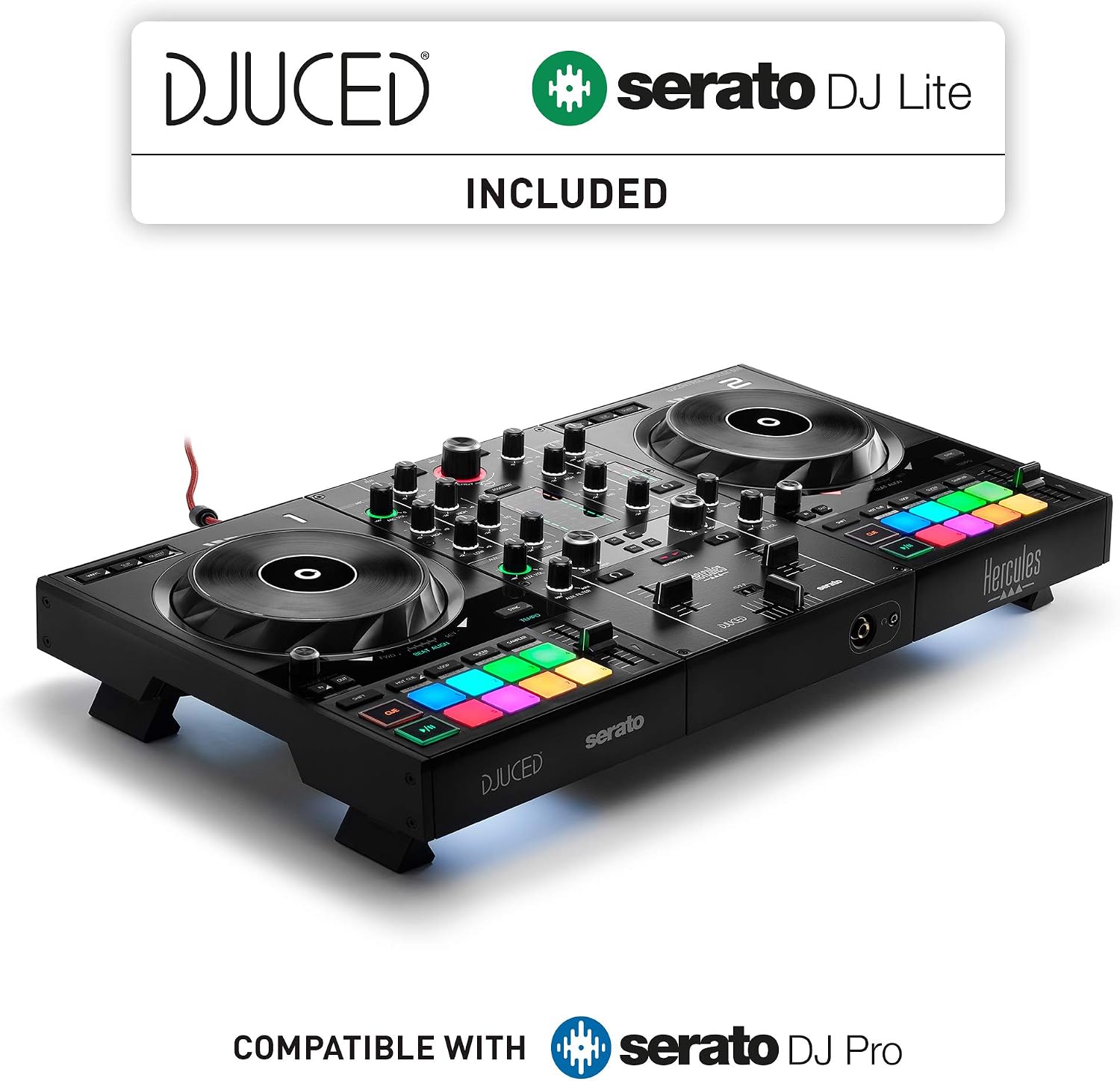
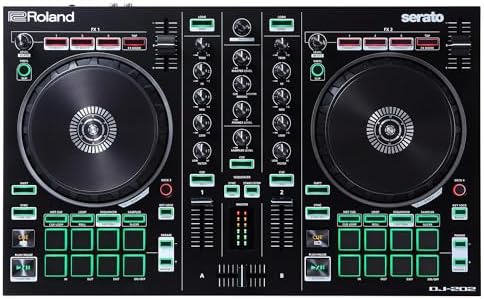
The Inpulse 500 and the DJ-202 are also options in this space, but I haven't spent enough time with them to give you a fair comparison. I can tell you that the FLX4's build quality feels better than the DJ-202, which has a plasticky feel that I don't love. But that's a quick impression, not a full review.
The Bottom Line
The FLX4 is the controller I recommend to anyone setting up their first party, but know what you're getting into. It's not a professional deck, the sound degrades at high volumes, and the FX workflow is clunky. But it's the golden standard for a reason. It works, it's affordable, and it builds the right habits.
Here's my honest advice: get a USB-C adapter before you need one, use Rekordbox, not Serato, and set up your software the night before. If you do those three things, you'll be ready to play when your guests arrive, and you won't spend the first hour of your party staring at a laptop screen like I did.