Related: Best DJ Controller for Turntablism: Platters That Scratch
Well, the FLX4 is marketed as the golden standard for beginners, but can you actually learn to scratch on it? I've been messing around on my own FLX4 for fourteen months now, and I took a whack at every scratch technique I know on this thing. Here's the truth: you can learn the basics, but you're going to hit a wall, and it's not the wall you think.
I'm Mara. I've spent the better part of three years dragging controllers from my bedroom to backyard parties and a parking lot set that got a little too popular with the neighbors. I started on a Numark DJ2GO2 Touch, moved up to the DDJ-200, and landed on the FLX4 about a year ago.
My dog Biscuit, a 60-pound lab mix with zero respect for cables, has napped on this controller more times than I can count.
That's my test: if it survives her, it's built solid.
The Scratch Reality Check: It's in the Fingers, Not the Gear
So you want to know how to scratch on a DJ controller. Here's the first thing nobody tells you: the controller is not the bottleneck, practice is. I've seen guys scratch on a ~$99 piece of junk and make it sound like they're in a DMC final. I've also seen people drop a grand on a FLX10 and sound like they're trying to open a jammed door with their crossfader.
The basics of scratching are the same on any controller: you need a responsive jog wheel, a crossfader that doesn't bounce, and the discipline to practice your baby scratches and transforms until your hand cramps.
The FLX4 has a jog wheel that feels decent with your eyes closed, and the crossfader is serviceable, but it's not a battle mixer.
You're not going to be doing crab scratches or chirps at a professional level on this thing.
The Pioneer DJ DDJ-FLX4
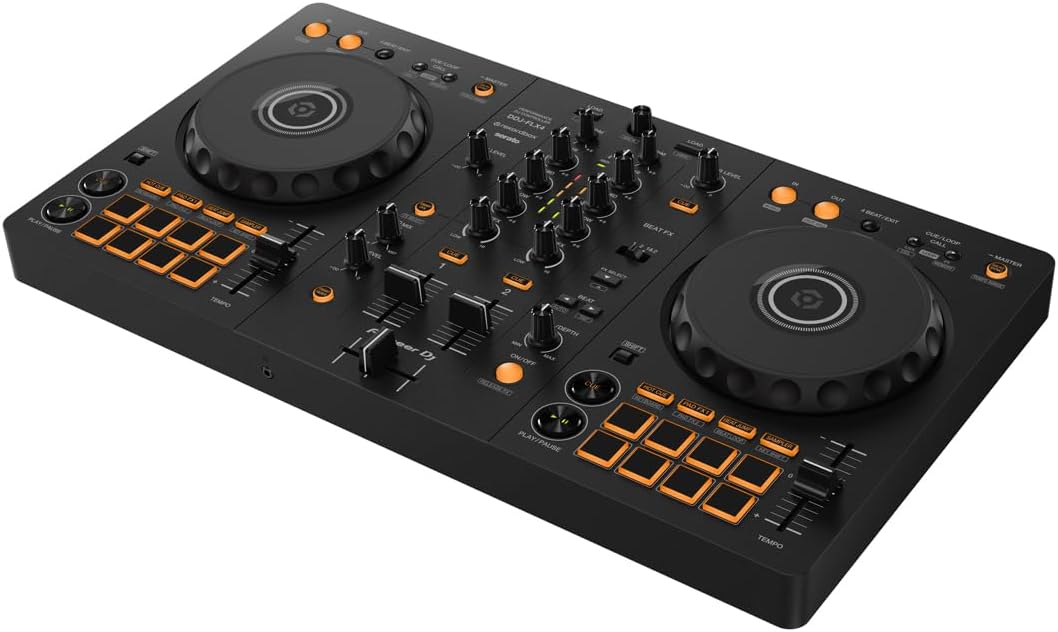
Let me get the biggest issue out of the way first: the FX toggle workflow is clunky. When you're in the middle of a transition and you need to switch the FX from deck one to deck two, you're hunting for a toggle switch. That's annoying. The paddle-style FX on the REV-1 is better, and I'll get to that in a minute.
But here's what matters for scratching: the jog wheel. The FLX4's jog wheels are the first thing I've felt in this price range that don't feel like toys. They're not the capacitive touch wheels you'll find on a FLX10, but they're responsive enough for baby scratches and transforms.
I've spent hours with my eyes closed, just feeling the wheel, and it's got a decent weight to it. Not too loose, not too stiff.
The mono-color orange pads are my biggest gripe. In a dark room with any lighting, they're hard to see. I've missed cues because I couldn't tell which pad was which. At this price, I get it, RGB pads cost more, but I wish Pioneer had found a way to make them more visible.
Now, the software situation. The FLX4 unlocks Rekordbox fully, but only gives you Serato Lite. That's a trick. If you want to use Serato properly, you're looking at ~$10 a month or ~$250 for a one-time payment.
But here's the thing: Rekordbox just works with this controller. No driver installs, no fuss. I've seen too many people spend hours troubleshooting Serato.
One owner I know got it working once, then never again. Switch to Rekordbox and everything works.
The Smart Fader is another disappointment on the Serato side. It only applies echo, not the BPM matching that Rekordbox does. It's weak, and it makes the REV-1's paddle FX look even better by comparison.
At ~$299, that's ~$0.71 per day if you use it daily for a year. Cheaper than a coffee habit, and it won't make you jittery. But know what you're getting: this is a bedroom controller, not a club deck. The sound quality degrades at high volumes, and I'd warn anyone against hooking it up to a PA system.
The REV-1
If you're serious about scratching, the REV-1 is worth a serious look. I borrowed one from a friend who's into turntablism, and the paddle FX are much better. The layout is designed for a different style of DJing, with the crossfader on the right side like a traditional battle setup.
But it's not the all-rounder that the FLX4 is. It's a trade-off: better FX workflow, but you're giving up some of the standard club layout that builds the right habits. If you're planning to play clubs eventually, the FLX4's layout is closer to what you'll find on CDJs. The REV-1 is for people who know they want to scratch and don't care about the club standard.
The jog wheels on the REV-1 are smaller than the FLX4's, which took me a while to get used to. But the crossfader is smoother, and that matters more for scratching. If you're doing transforms, you want a fader that snaps back without any bounce. The REV-1's does that.
Choose the REV-1 if you're okay with a learning curve and you know scratching is your thing. Choose the FLX4 if you want a controller that does a bit of everything and builds the right habits for moving up.
The Upgrade Path: When You Outgrow Your Starter Gear
I've seen the progression: start on a DDJ-200 or a Numark DJ2GO2 Touch, outgrow it in a year, and step up to the FLX4. Then, when you're ready for something bigger, you're eyeing the FLX10 or the GRV6.
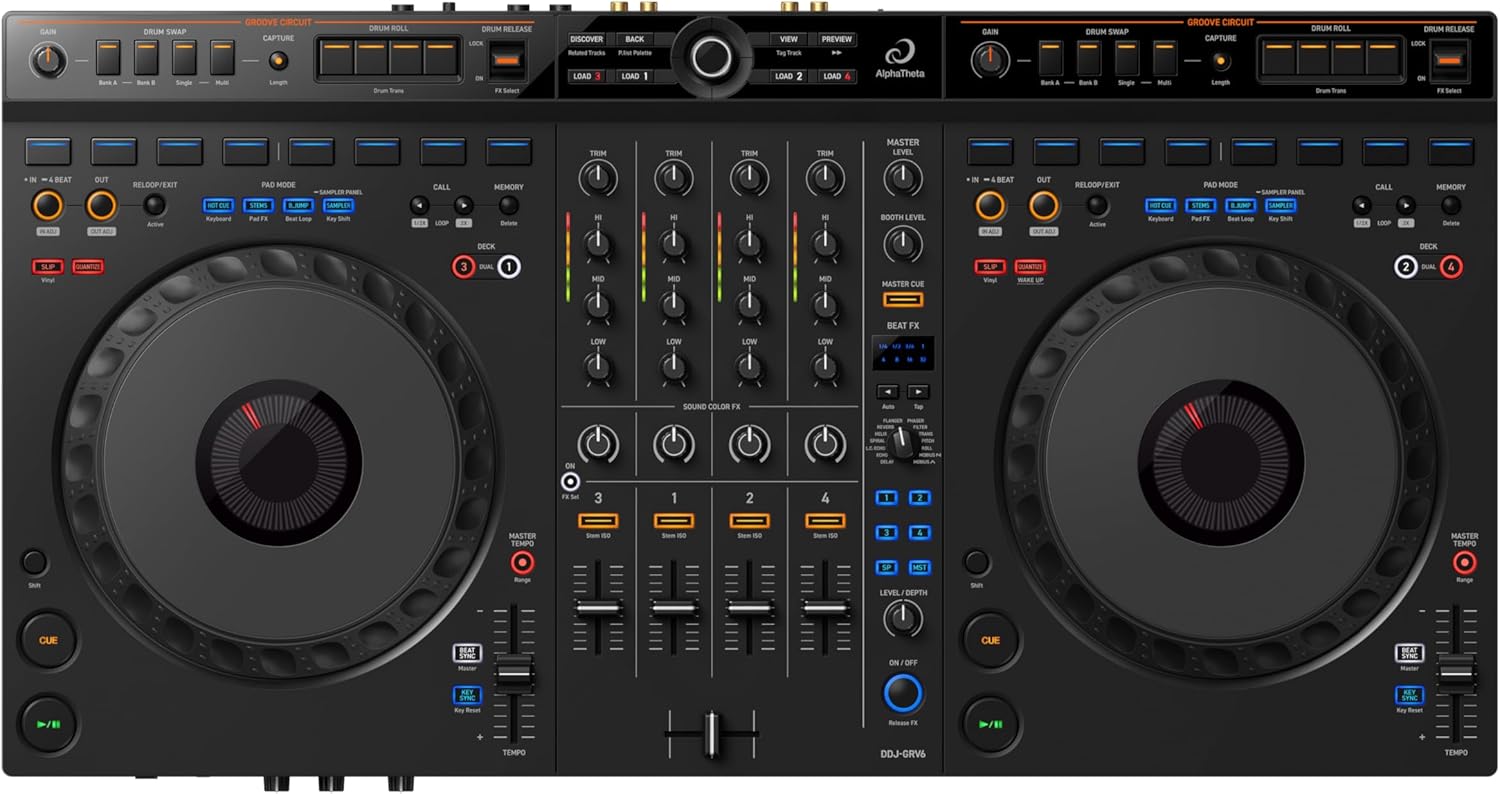
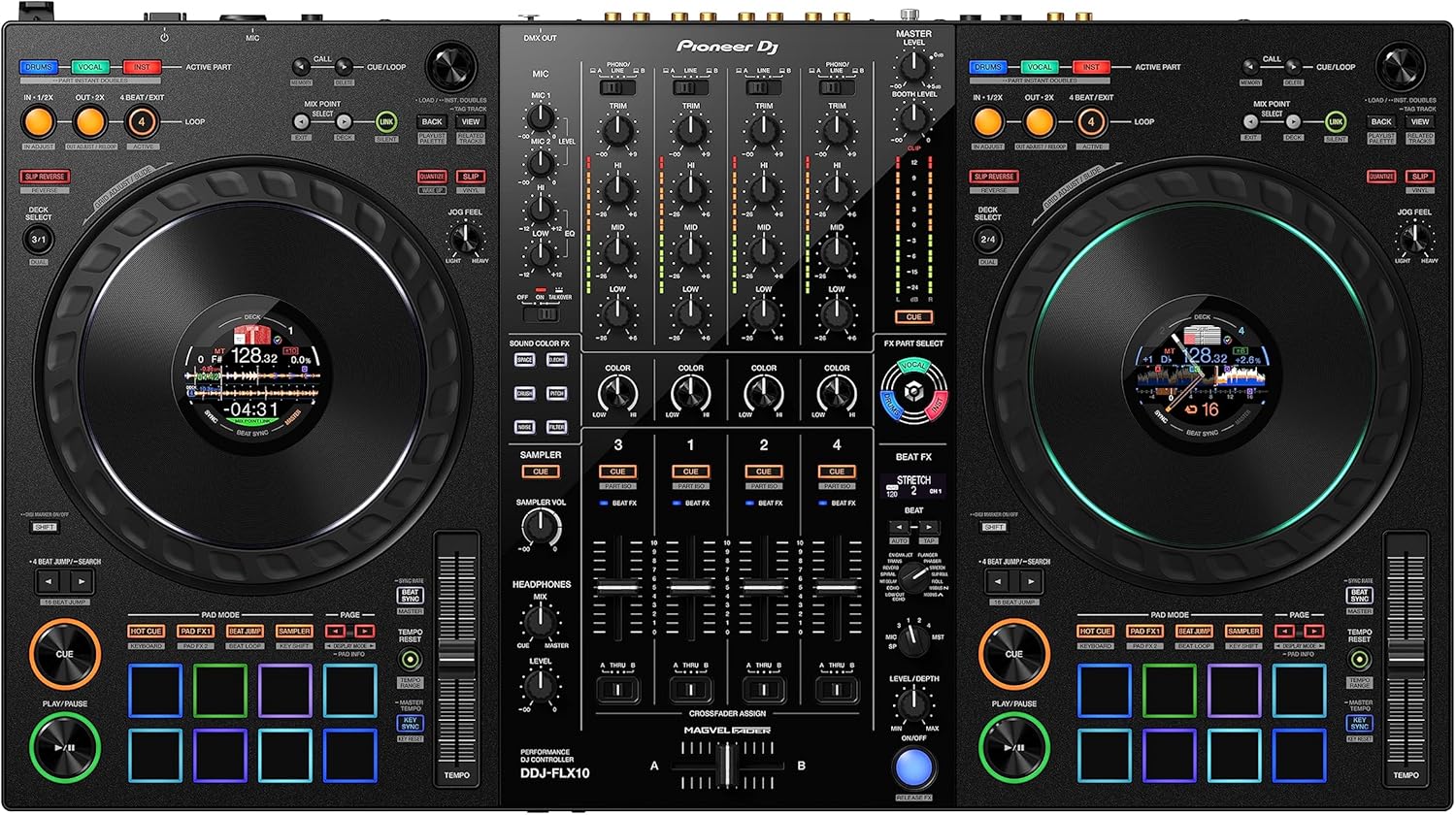
The GRV6 is a 4-channel beast, but it's a bit too heavy to move around. I've hauled it to a couple of gigs and my back hates me. The FLX10 is the aspirational upgrade. It's got the full-size jog wheels, the RGB pads, and the club-style layout. But it's also ~$1,899, which is a lot of money for something you might not use to its full potential.
For most people, the FLX4 is where you should start and where you'll stay for a while. I've had mine for fourteen months and I'm only now starting to feel its limits. And even then, the limits are more about the sound quality and the pads than the scratching capabilities.
The Headphone Curve
Here's a curve that throws every newbie: the headphone volume knob. I spent twenty minutes wondering why I couldn't hear anything, and then I found the knob and felt stupid. It's a small thing, but it's the kind of thing that makes beginners give up.
The headphone situation is both a design flaw and a user error. Owners complain there's no sound through headphones, but the problem is usually that they haven't engaged the headphone volume knob and Cue buttons. It's confusing for beginners, but it's also clearly documented, if you read the manual. I read it so you don't have to.
Rekordbox's Hard Drive Rules Are Ridiculous
Rekordbox rejects hard drives that aren't formatted to its strict conditions. Serato doesn't care, it'll read anything. This is the kind of thing that drives me crazy. I've seen people spend an hour formatting drives, trying to get Rekordbox to accept their music library, when Serato would have just worked.
It's not documented clearly anywhere, and it's not user-friendly. If you're planning to use Rekordbox, format your drive to exFAT and you'll be fine. But you shouldn't have to figure that out on your own.
The Numark Mixtrack Pro FX and Others
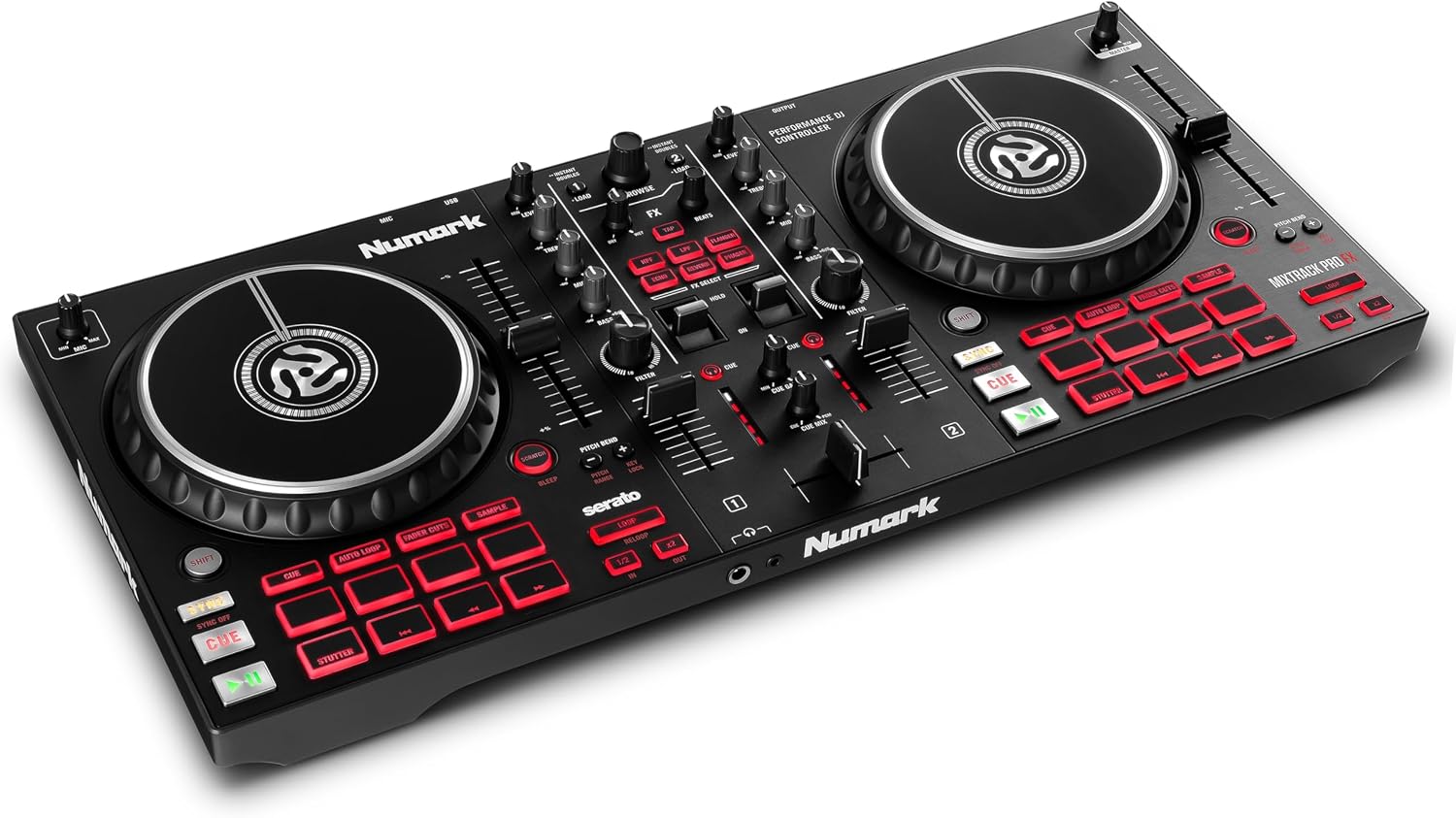
I took a whack at the Numark Mixtrack Platinum FX too. It's got the paddle FX that the FLX4 lacks, and it's a bit cheaper. But the jog wheels feel cheaper, and the build quality isn't as solid. Biscuit slept on it once and I thought she'd broken it.
The Inpulse 500 is another option, but the software bundle isn't as good. And the DJ-202 is showing its age.
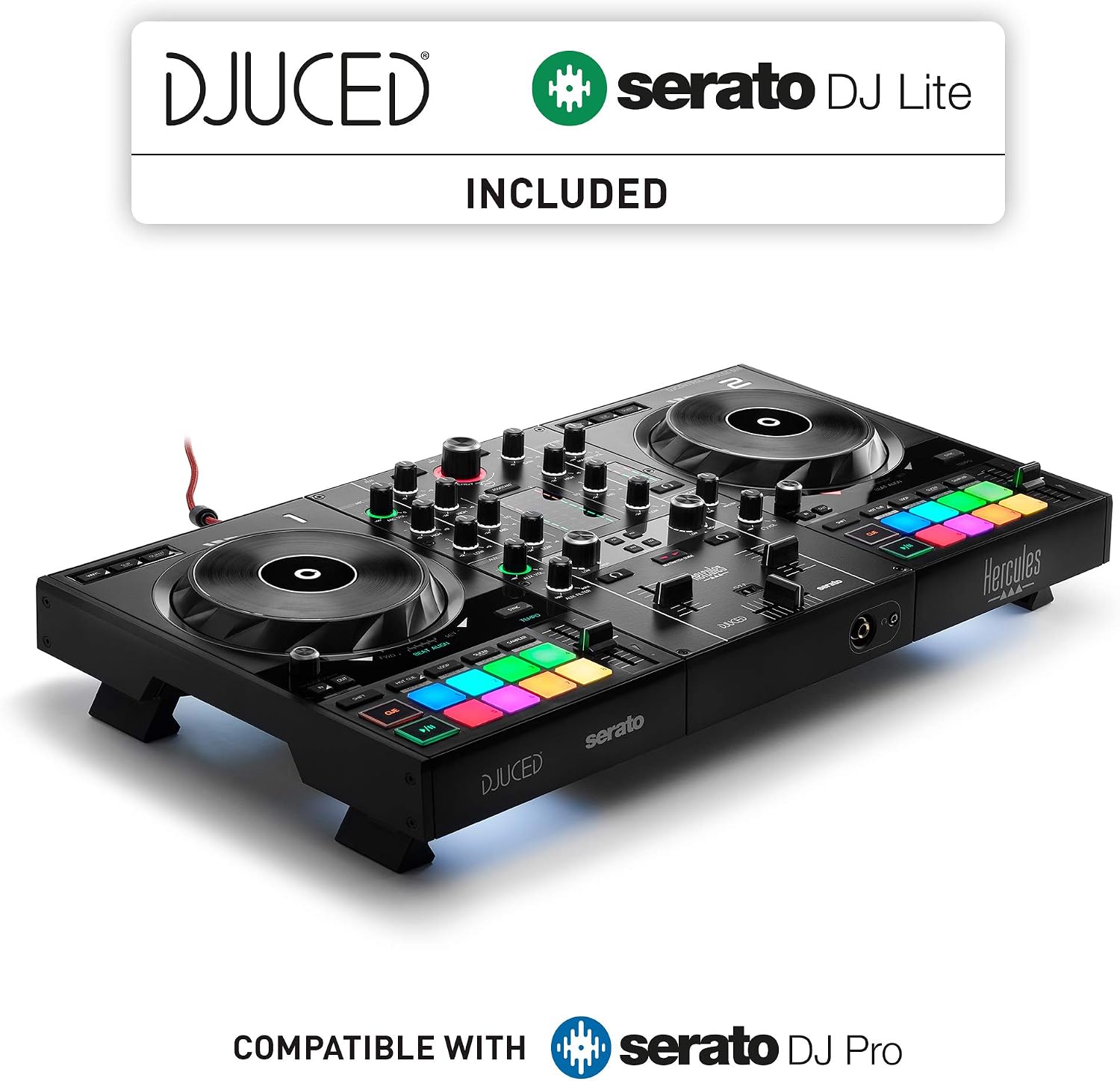
Here's the thing: the FLX4 is the golden standard for a reason. It's not perfect, but it's the best all-rounder at this price point. The REV-1 is better for scratching, but you're giving up the club layout. The Mixtrack has better FX, but the build quality isn't there.
My Honest Bottom Line
I couldn't recommend the FLX4 more for learning how to scratch on a DJ controller. It's not a pro deck, and you'll hit a wall if you're trying to do advanced techniques, but it's the best place to start. The jog wheels are responsive, the software unlock is real, and it builds the right habits.
But if you're a Serato loyalist, know that you'll be paying extra for the full version. And if you're serious about scratching, the REV-1's paddle FX and smoother crossfader might be worth the trade-off. That's okay to admit.
For me, the FLX4 is still on my desk, Biscuit's still napping on it, and I'm still practicing my baby scratches. That's the real test, and it passes.