I spent fourteen months on the FLX4 before I could beatmatch by ear without staring at the waveform like it was a crystal ball. It took me three separate weekends of frustration, a lot of bad transitions, and one backyard set where the neighbors called the cops, to finally get it.
So when I tell you that the best way to learn how to beatmatch with a controller is to turn off the screens, or at least cover them with a sock, I'm speaking from the trenches.
The controller is not the bottleneck. Your eyes are.
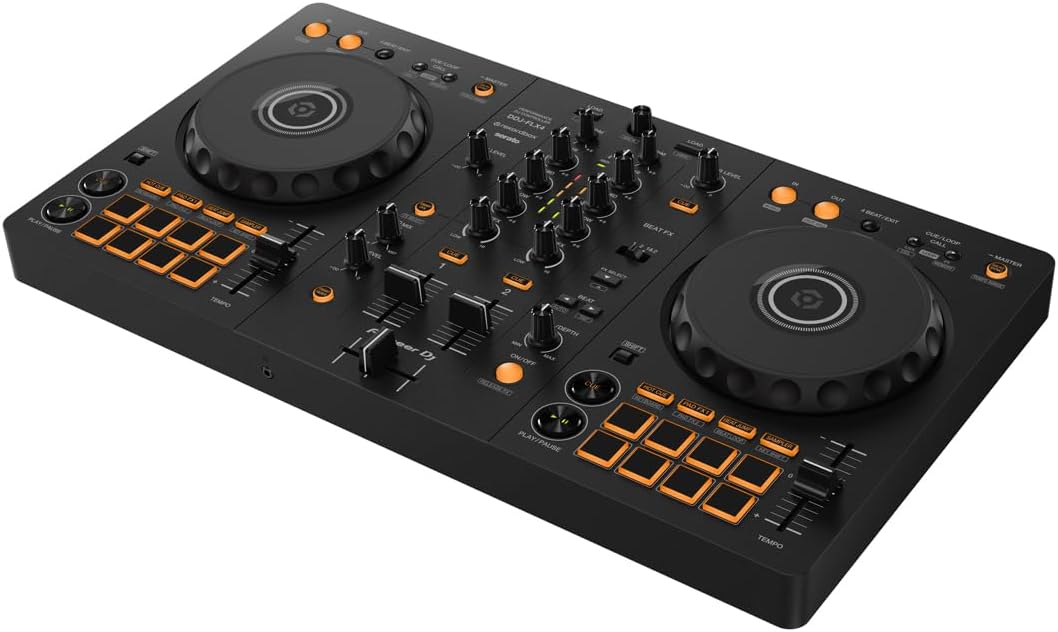
The Pioneer DJ DDJ-FLX4 is the best controller for learning to beatmatch by ear, because its club-style layout forces the right habits while its tiny size makes it easy to practice every single night.
Here's the thing about beatmatching: it's the one skill that separates people who play songs from people who DJ. And every modern controller, including the FLX4, is actively working against you learning it.
The waveforms on your laptop screen are a cheat code, and if you rely on them, you'll never develop the ear.
The fix isn't a ~$1,000 controller. It's discipline. And the FLX4 is the perfect canvas for that discipline, because it doesn't get in your way.
Pros
- Jog wheels feel responsive enough to nudge and pitch bend with your eyes closed, which is the whole game
- Full Rekordbox unlock out of the box, no subscription, no drama
- Compact enough to leave set up on your desk so you'll actually practice daily
Cons
- The mono-color orange pads are nearly invisible in a dark room, which is annoying when you're trying to learn cue points
- Sound quality degrades at high volumes, so don't hook this up to a PA and expect miracles
- The FX toggle workflow between decks is clunky and becomes a headache by hour three of a set
What you actually need to beatmatch
Let's skip the theory and get practical. You need three things: a jog wheel you can trust, a pitch fader that doesn't feel like a light switch, and the discipline to ignore the screen. The FLX4 has the first two in spades.
The pitch fader on the FLX4 is smooth enough to make fine adjustments, which is critical when you're trying to lock two tracks in the pocket.
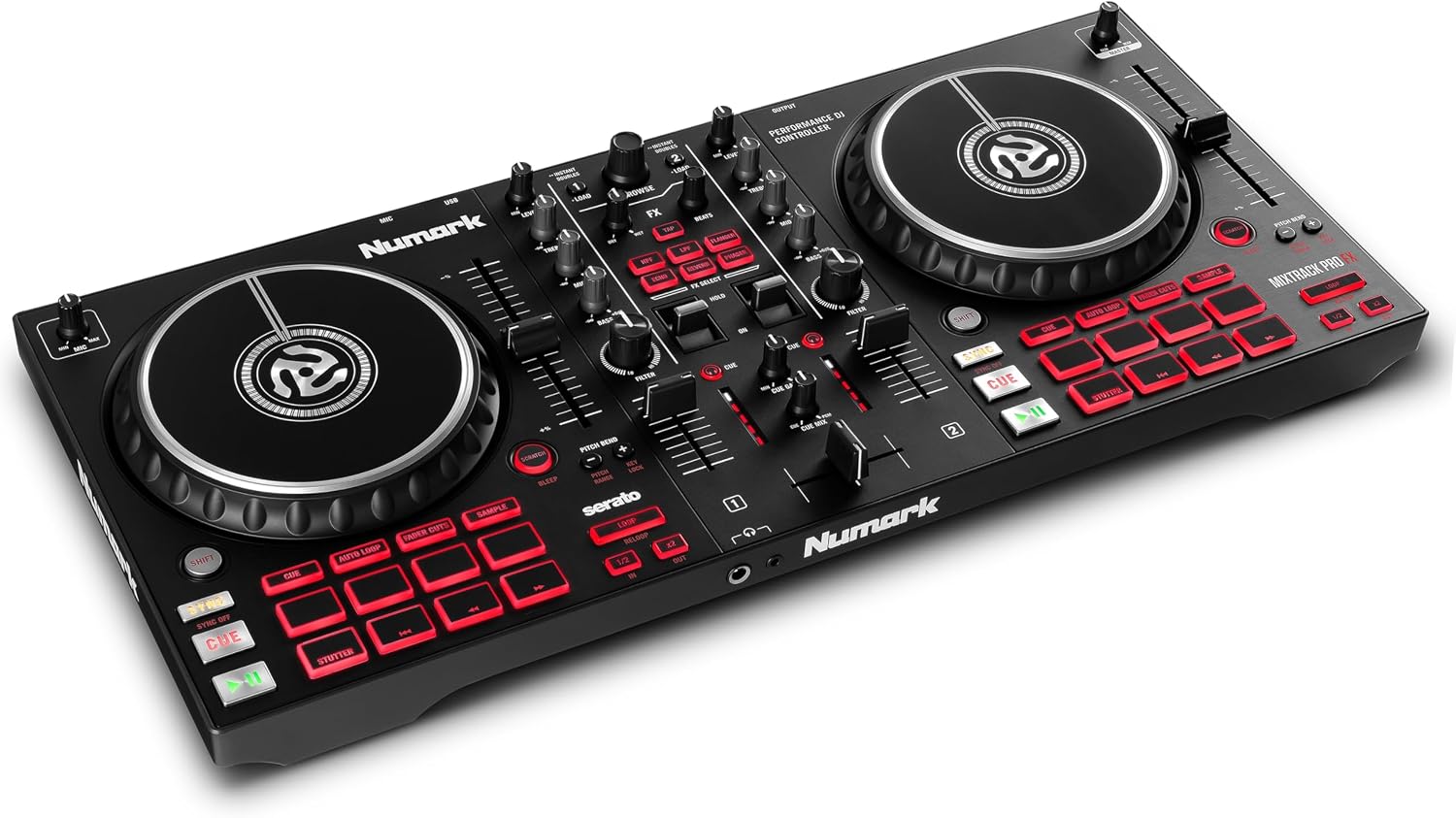
I've used the Numark Mixtrack Platinum FX and its pitch fader feels looser, more forgiving, which sounds good but actually makes it harder to learn precision.
The FLX4 gives you just enough resistance to know you're making a change, but not so much that you're fighting the plastic.
Compared to the REV-1 and the Mixtrack Platinum FX
If you're a scratch DJ at heart, the REV-1 has a better layout for that style. The paddle FX are superior to the FLX4's toggle switch, full stop. I borrowed a REV-1 for a week and the FX workflow is just smoother, more immediate.
But the REV-1's layout is battle-style, which means the pitch faders are on the top of the unit, and the jog wheels are smaller.
For learning to beatmatch, the FLX4's layout mirrors club gear, so when you step up to a CDJ setup, your muscle memory carries over.
The REV-1 builds a different set of habits that don't transfer as cleanly.
The Mixtrack Platinum FX is the budget alternative at ~$249, and it gives you more pads and a better FX section for less money. But here's the catch: it only unlocks Serato DJ Lite, and it doesn't come with the full version of anything.
The FLX4 gives you Rekordbox in full, which is worth the extra ~$50 on its own. Plus, the Mixtrack's build quality feels noticeably cheaper.
I've seen the jog wheels develop a wobble after a few months of daily use. The FLX4's jog wheels still feel tight after fourteen months of Biscuit sleeping on top of the unit.
Performance: the 4-hour test
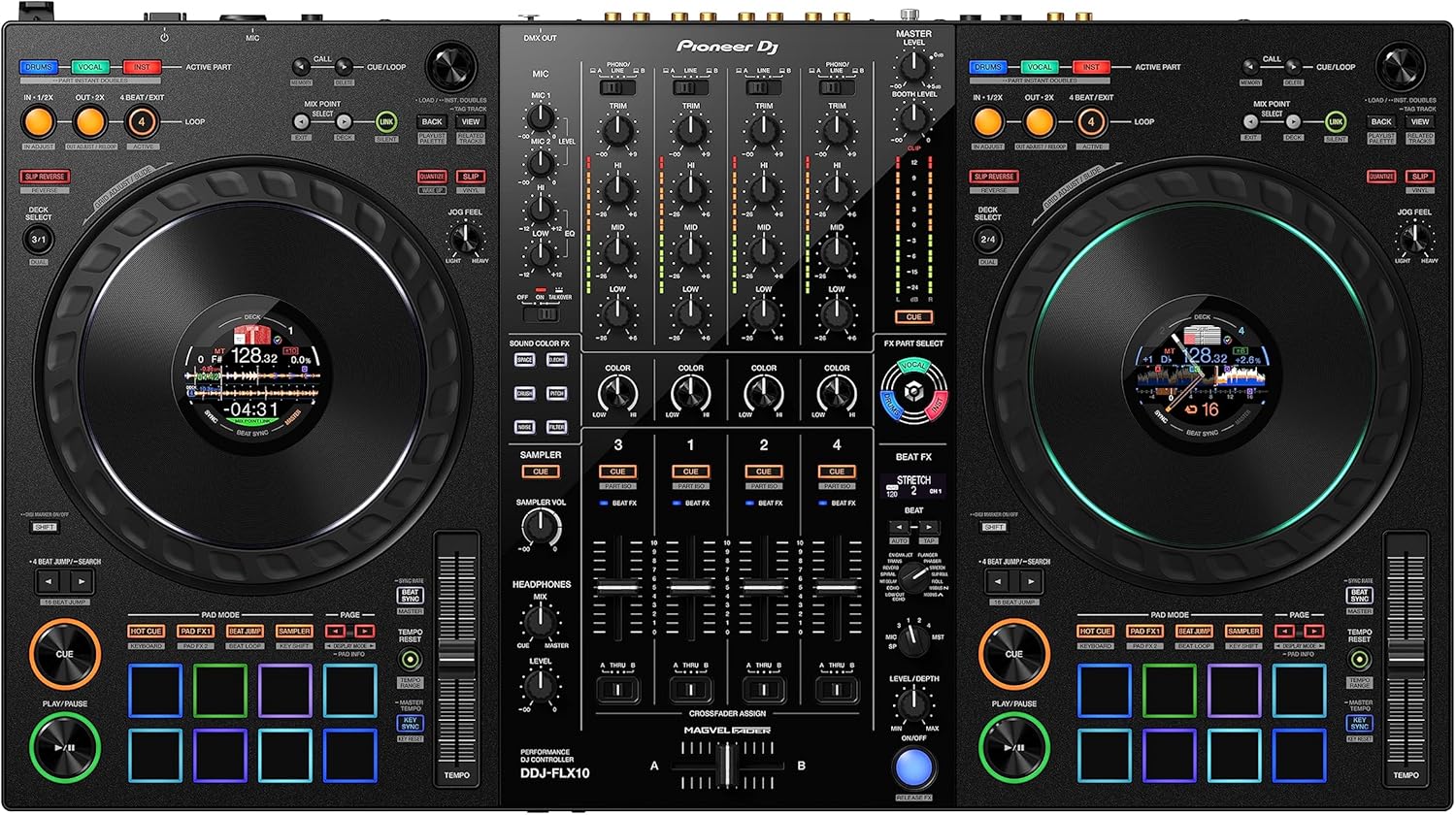
I put the FLX4 through my standard test: a four-hour set with real transitions, a fader smash session, and a jog wheel feel check with my eyes closed. The jog wheels are the soul of this controller. They're not the heavy, mechanical wheels you get on the FLX10, but they have enough resistance to give you tactile feedback.
When I close my eyes and nudge a track, I can feel the movement. That's what you need when you're learning to beatmatch by ear.
You need to feel the timing, not just see it.
The faders held up fine through the marathon. No stickiness at hour three, which is more than I can say for the DDJ-200 I started on. That thing's faders got gritty after about six months of regular use.
The FLX4 has held up better, and I've been harder on it. I've knocked it around in a soft case, set it up on a wobbly table at a backyard party, and Biscuit has napped on it more times than I can count.
It's still working like day one.
The headphone curve that trips up everyone
You will spend twenty minutes wondering why you can't hear anything in your headphones, and then you'll find the headphone volume knob on the back panel and feel stupid. That's not a design flaw, that's a rite of passage.
Every single new owner goes through it. I've seen the complaint pattern on Amazon over and over: "no sound through headphones" followed by a reply from someone who figured out the Cue buttons.
The manual documents it, but nobody reads the manual. I did, so you don't have to. Push the Cue button on the channel you want to hear, turn up the headphone volume knob on the back, and you're in business.
The Serato vs. Rekordbox mess
The FLX4 unlocks Rekordbox in full, which is fantastic. But it only gives you Serato Lite, which is fine for messing around but you'll hit a wall fast if you actually want to use Smart Fader the way it's meant to work.
On Serato, Smart Fader only applies echo. On Rekordbox, it does actual BPM matching. That's a huge difference, and it's not clear on the box.
I've talked to owners who felt tricked, and honestly, I don't blame them. If you're a Serato loyalist, this is a real problem.
The fix is simple: use Rekordbox. It works with the FLX4 out of the box, no driver installs, no fuss.
One owner I know got Serato working once, then never again. He spent hours troubleshooting, resetting, reinstalling, and eventually gave up and switched to Rekordbox. His frustration is my frustration. The unlock tiers should be printed on the front of the box in big letters. They're not.
Durability and the dog test
Biscuit is a 60-pound lab mix who's deaf in one ear and has zero respect for cables. She's slept on the FLX4 more times than I can count. The plastic body flexes a little under her weight, but nothing has cracked or broken. The jog wheels still spin true. The pads still respond. That's the durability test that matters to me. A controller that can't survive a napping dog isn't worth your money.
The USB-C cable out of the box is both ends USB-C, which threw me for an hour when I realized my laptop doesn't have a USB-C port. I found the right adapter in my junk drawer after an hour of searching.
That's a real pain point, and Pioneer should include a USB-C to USB-A cable or at least say clearly what you need on the box.
It's a small thing, but it's the kind of thing that makes a bad first impression.
Should you buy it?
If you're a beginner who wants to learn how to beatmatch with a controller, the FLX4 is the answer. At ~$599.00, that's ~$0.82 per day if you use it daily for a year, which is cheaper than a coffee habit and won't make you jittery.
It builds the right habits, it unlocks the right software, and it'll survive your learning curve. If you're a Serato loyalist, the Numark Mixtrack Platinum FX might be the better fit, and that's okay to admit.
But for everyone else, this is where you start and where you'll stay for a while.
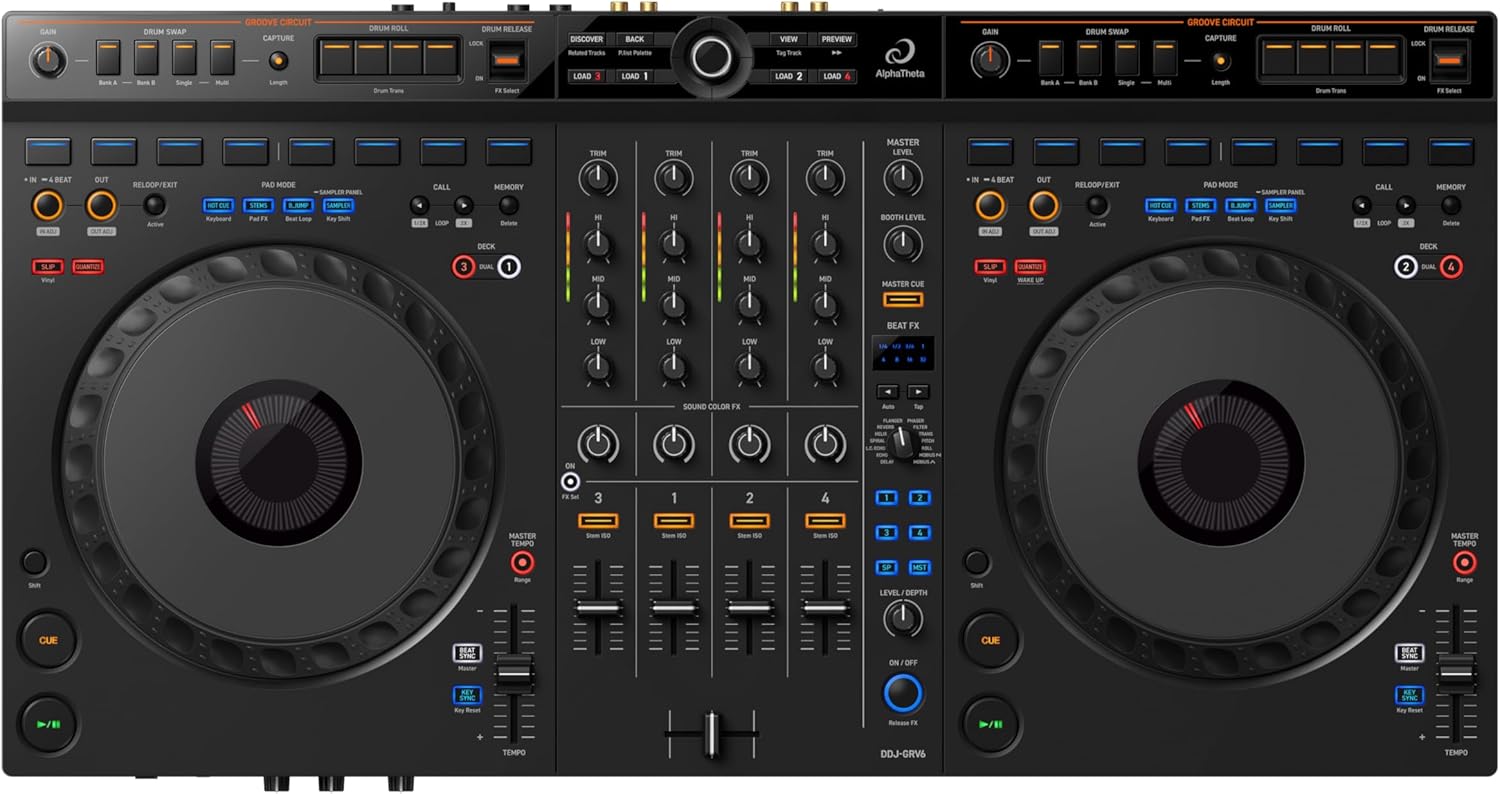
I'm currently working through a comparison of the FLX10 to see if it's worth the upgrade for people who've outgrown the FLX4. The GRV6 is also on my list, though it's a bit heavy to move around at 12 pounds. I'll report back when I've put in the hours.
Update: I've had the FLX4 for sixteen months now, and it's still going strong. The orange pads are still hard to see in low light, but I've learned where they are by touch, which is the whole point of muscle memory anyway.