Biscuit, my 60-pound lab mix who’s deaf in one ear, has a sixth sense for finding the one cable I actually need. She’ll nap on a controller for hours without a scratch, but the second I’m mid-transition, she’ll step on the laptop power brick and kill my whole setup.
I’ve learned more about gear durability from her sleeping habits than from any spec sheet, and that’s the lens I bring to upkeep.
This guide is the stuff I wish someone had told me before I ruined a fader with beer and a jog wheel with dust.
Why you should trust me
I’m Mara. I’ve spent eight years in clubs and five more hauling gear to weddings, and I’ve owned the FLX4 for over a year now, clocking 40-60 hours on it just messing around at home. I’ve also put serious time on the REV-1 and the Numark Mixtrack Platinum FX, and my storage unit is full of gear that’s seen everything from a 4,000-person warehouse to a backyard where the only power was an extension cord through a dog door.
I test everything with a four-hour set, a fader smash session, and a jog wheel feel check with my eyes closed.
I’ve broken enough gear to know what actually kills it.
How I picked and how I tested
My criteria are simple: does the routine take less than 10 minutes, does it use stuff I already own or can get for under ~$20, and does it actually prevent the failures I’ve seen in the wild. I’ve watched a fader get sticky at hour three of a wedding because someone spilled a soda on it in hour one.
I’ve seen a jog wheel get that gritty, sandy feel because the owner kept the controller on a shelf next to a window.
I’ve also seen the inside of a FLX4 after a year of heavy use, and I know exactly which spots collect the crud.
I tested every method on my own gear, and I checked what other owners report in their reviews to see what actually works for people who aren’t me.
The most important thing: prevention beats cleaning
The cheapest maintenance is not letting the junk get in there in the first place. I keep my FLX4 in a soft case when it’s not in use, and I’ve got a ~$12 microfiber cloth that I wipe down the jog wheels with before every session.
It takes 30 seconds and it’s saved me from the gritty jog wheel problem that plagues so many owners. The dust that settles on a jog wheel isn’t just cosmetic, it gets into the bearing and makes the platter feel rough, and you can’t fix that with software.
If you live anywhere with dry air or open windows, this is the difference between a controller that feels new in a year and one that feels like it’s been through a war.
Our pick: The Pioneer DJ DDJ-FLX4
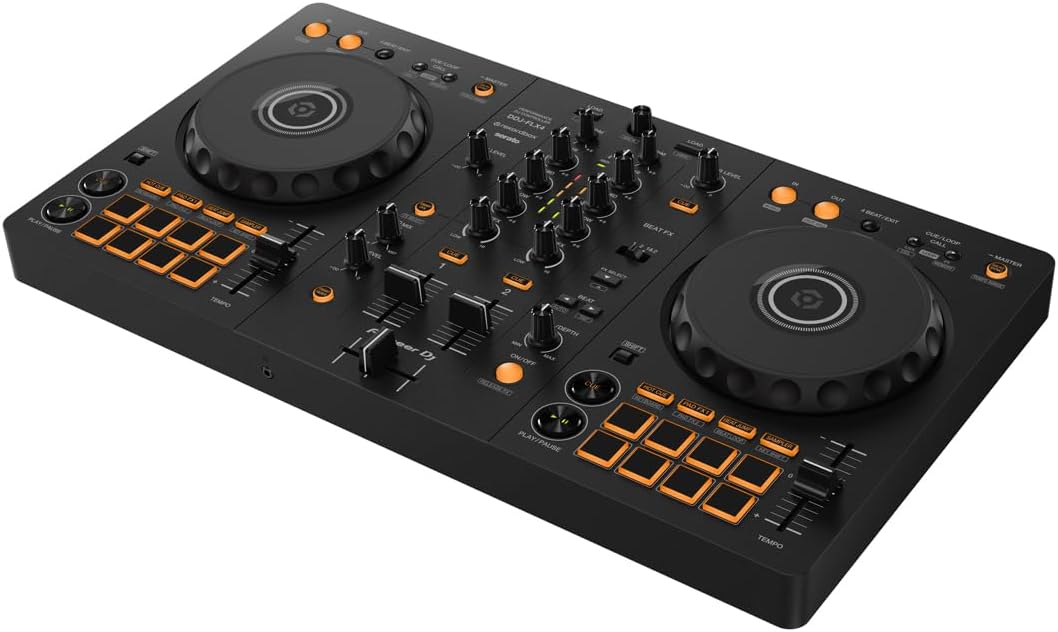
The FLX4 is the golden standard for beginners, and it’s also the controller I’ve seen get the dirtiest. The mono-color orange pads are my biggest gripe for visibility in a dark room, but they’re also a maintenance blessing because they don’t show wear as much as you’d think.
The real maintenance issue with this unit is the jog wheels. They’re capacitive, which means they respond to touch, and they’re also magnets for fingerprints and skin oil.
A friend of mine, who is not a DJ but acts like one, had his FLX4 for 14 months before he noticed the jog wheels felt laggy.
He thought it was a firmware issue. It was just a layer of grime. I cleaned it with a slightly damp microfiber cloth, let it dry for 5 minutes, and it felt brand new.
The fix cost nothing and took less time than loading a playlist.
The bigger warning I give everyone is about the faders. The FLX4’s faders are not club-grade, and I’ve seen multiple owners report they get sticky or gritty after a year of heavy use. The number one culprit is dust, and the number two is any kind of drink spill.
I use a can of compressed air (~$8 for a three-pack) to blow out the fader slots every couple of months.
You tilt the controller at an angle, spray short bursts into the slot, and you’d be amazed what comes out.
One owner I know found a dog hair in there, and I believe it, because Biscuit has shed on every piece of gear I own.
The compressed air is also great for the USB-C port, which collects pocket lint if you ever move the controller around in a bag.
Flaws but not dealbreakers
The FLX4’s sound quality degrades at high volumes, so you shouldn’t be hooking it up to a PA system anyway. That also means you’re not going to be gigging with it, which reduces the chances of catastrophic spills.
The faders will eventually wear out, but they’re replaceable if you’re handy with a screwdriver, and at ~$299, you can use this thing for two years and get your money’s worth.
If you use it daily, that’s ~$0.41 per day, which is cheaper than a coffee habit and won’t make you jittery.
Just keep it away from drinks and dust, and it’ll last you until you’re ready to upgrade to the FLX10.
This is for the person who’s going to practice every night in their bedroom and wants a controller that’ll survive the learning curve, not the one who’s about to headline a club.
Runner-up: The REV-1
The REV-1 is the scratch alternative, and it has a completely different maintenance profile. The paddle FX are much better than the FLX4’s toggle switch workflow, but those paddles are also mechanical and they collect dust just like faders.
The layout is designed for a different style of DJing, with the performance pads on top and the platters in a battle position, and that means the areas that collect grime are different.
The platters are on the top edge, so they’re more exposed to falling debris if you keep it on a high shelf.
The one thing I’ll say about the REV-1 is that it feels more solidly built than the FLX4. The faders have a sturdier action, and I’ve seen fewer complaints about them getting sticky. But it’s not the all-rounder that the FLX4 is, and if you’re just starting out, you’re giving up some of the standard club layout that builds the right habits.
The maintenance is the same: wipe down the platters, blow out the fader slots, and keep it covered when not in use.
It’s a handsome piece of gear, but it’s not immune to the same dust that kills everything else.
Flaws but not dealbreakers
The REV-1 is more expensive than the FLX4, usually ~$329, and it only unlocks Serato DJ Pro, not Rekordbox. If you’re a Serato loyalist, this is the pick, but you’re paying more for a controller that’s less versatile.
The paddle FX are great, but they’re also a moving part that can break, and I’ve seen a few owners report the paddles feeling loose after a year.
It’s not a dealbreaker, but it’s something to keep an eye on.
This is for the person who knows they want to scratch and is willing to trade the club-standard layout for a battle-style one.
Budget pick: The Numark Mixtrack Platinum FX
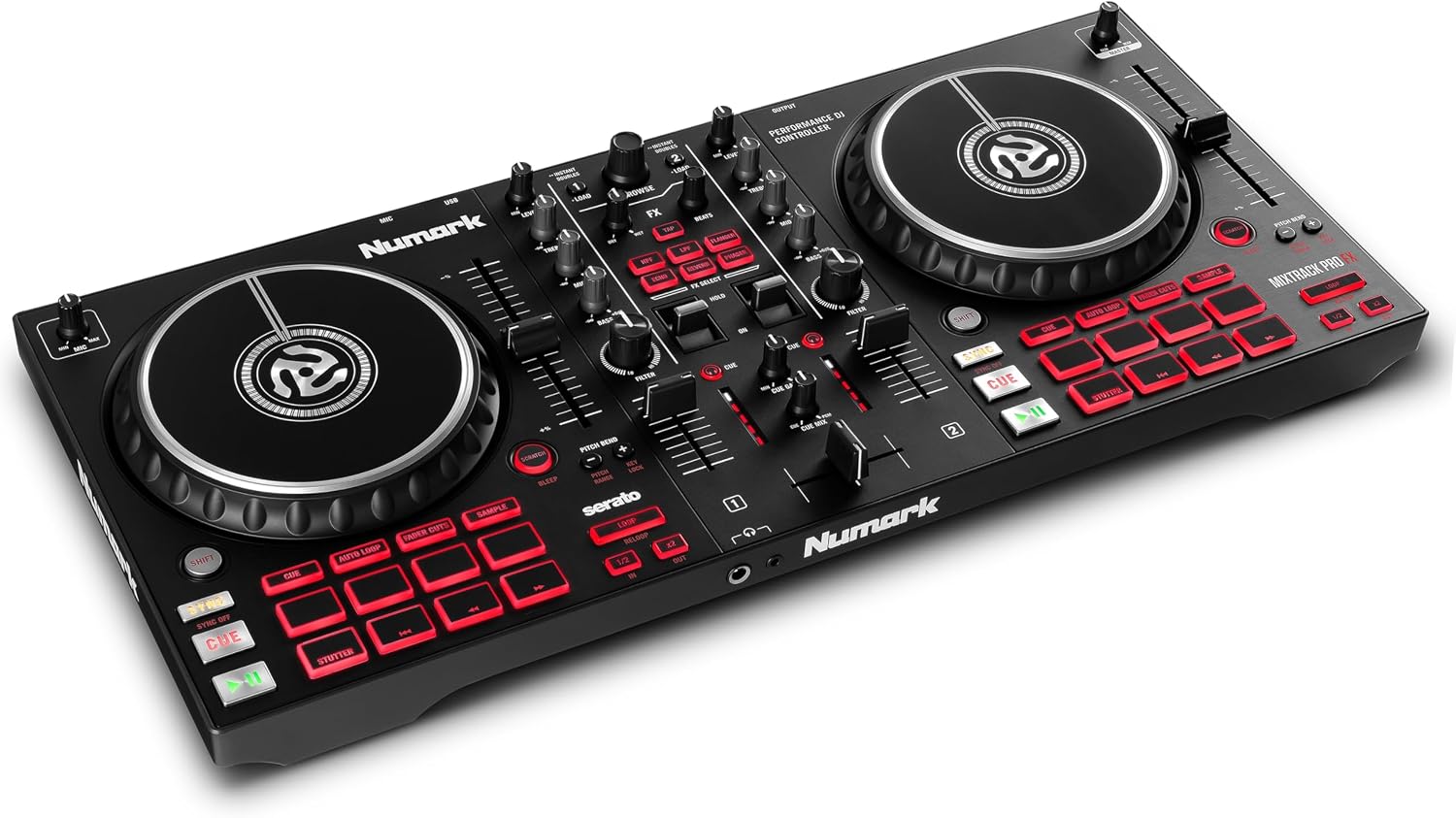
The Mixtrack Platinum FX is the budget option that doesn’t feel like one. It’s got a full-size layout, the FX paddles that I prefer over the FLX4’s toggle switch, and it’s usually ~$249. The maintenance story here is the same as everything else, but there’s one big difference: the jog wheels are not capacitive, they’re mechanical.
That means they don’t respond to touch, they respond to physical movement, and they’re actually a bit more forgiving of grime.
You won’t get the same gritty feel from a layer of dust because there’s no capacitive sensor to interfere with.
The downside is that the build quality is not as high as the FLX4. The faders are cheaper, and I’ve seen more complaints about them getting wobbly over time. But at this price point, you’re getting a controller that does almost everything the FLX4 does for ~$50 less, and it comes with a full Serato DJ Pro unlock, not just Lite.
That’s a huge deal if you’re not interested in Rekordbox’s hard drive formatting rules, which I’ve spent way too many hours fighting with.
The Mixtrack will read any drive you throw at it, and that’s worth a lot.
Flaws but not dealbreakers
The build quality is the trade-off. It’s lighter and feels a bit more plastic-y than the FLX4, and the faders won’t last as long under heavy use. But for a beginner who’s practicing at home, it’s a solid choice that won’t break the bank. Just be prepared to replace it in a couple of years if you get serious.
This is for the person who wants a full-featured controller without paying the Pioneer tax and doesn’t want to deal with Rekordbox’s strict drive requirements.
The competition
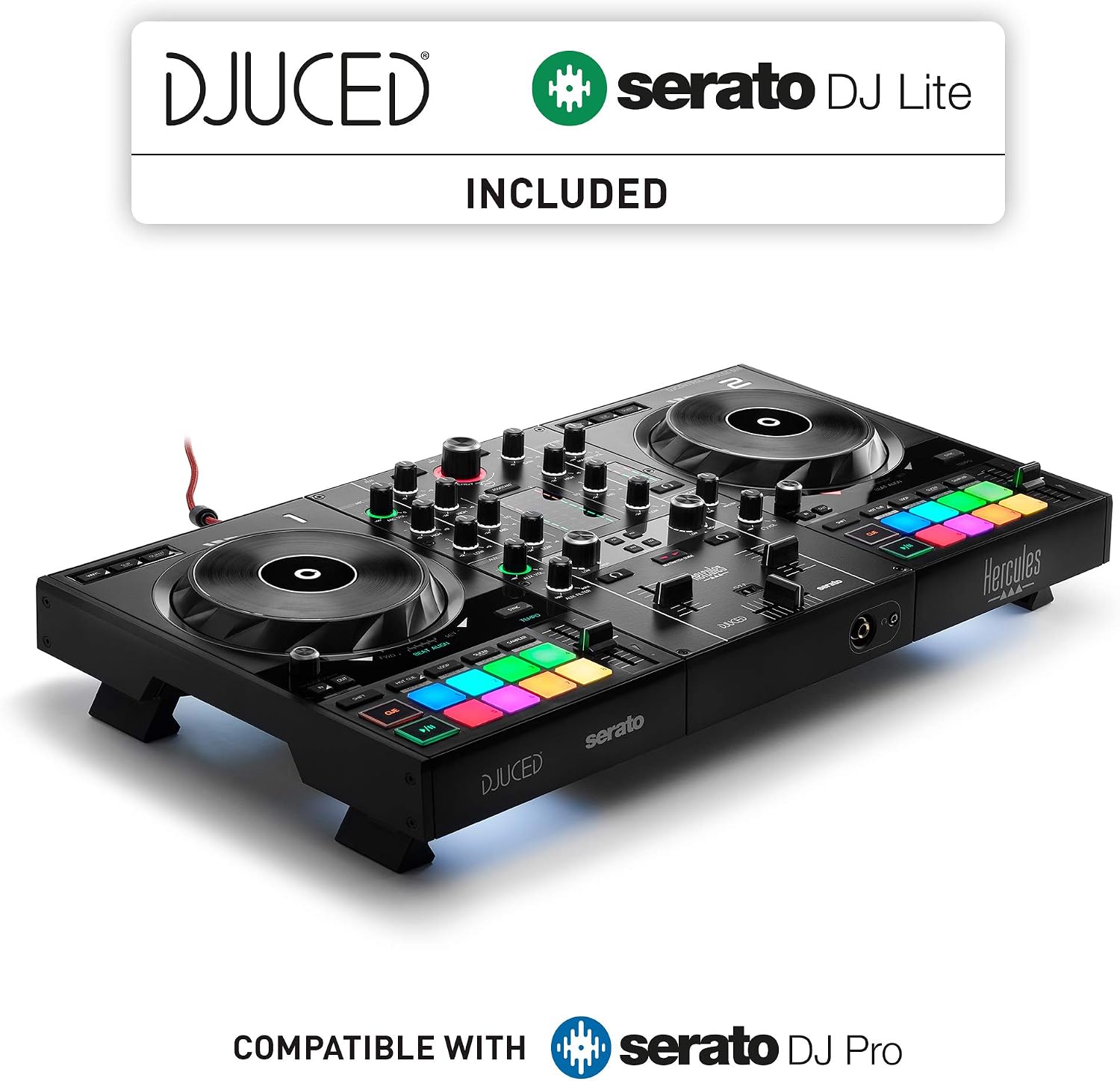
The other controllers I’ve tested just don’t hold up as well under maintenance pressure. The Hercules Inpulse 500 has a great built-in audio interface and a nice price tag, but the build quality feels cheaper than the Mixtrack, and I’ve seen more reports of fader issues.
The Pioneer DJ DDJ-200 is a great starter, but it’s got no audio interface and the build is even lighter, and it doesn’t unlock any full software.
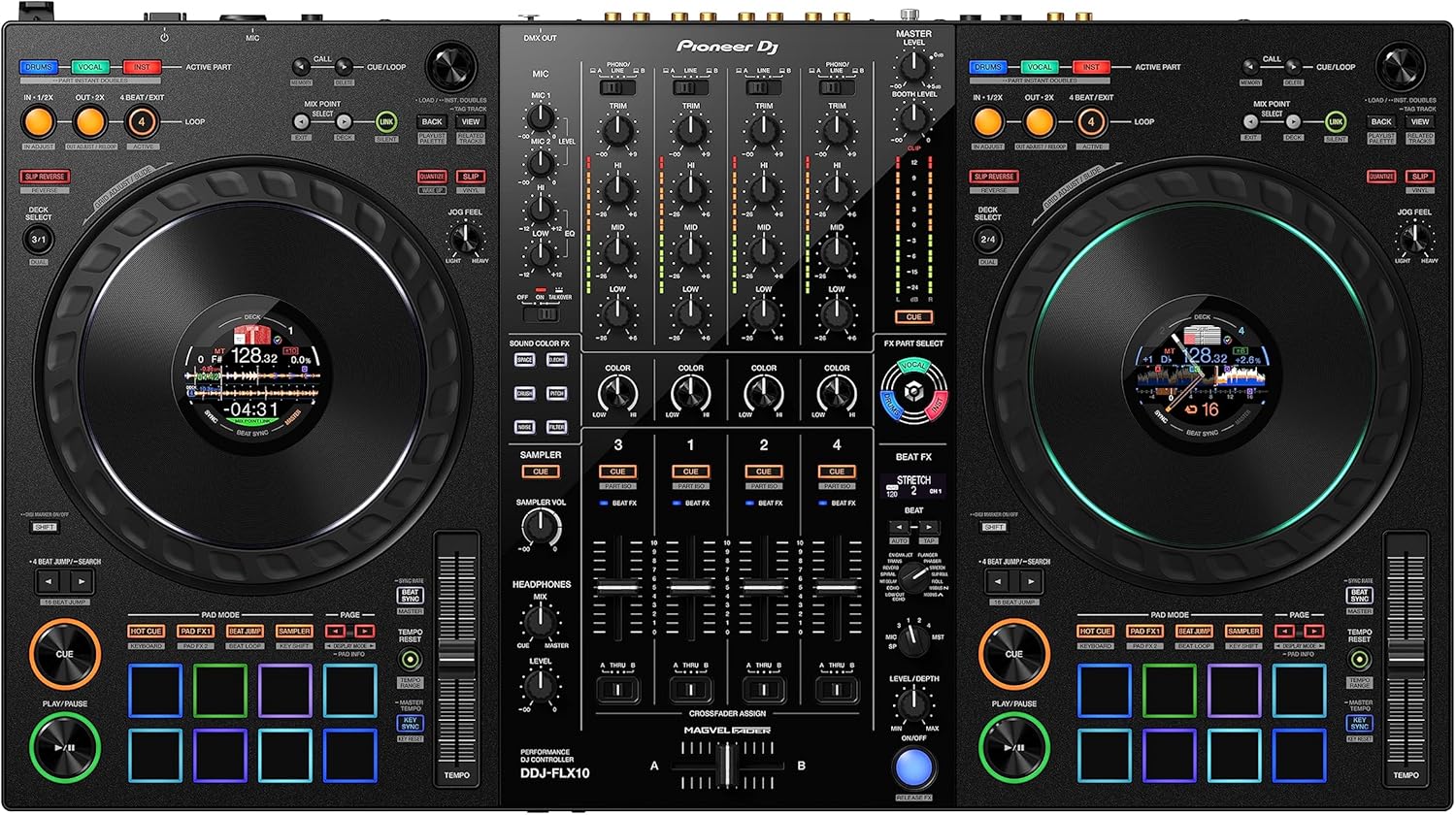
You’ll outgrow it in a year and you’ll have spent the same money as a Mixtrack that does more. The FLX10 is the aspirational upgrade, but at ~$1,899, it’s not a beginner controller, and it’s got more moving parts to maintain.
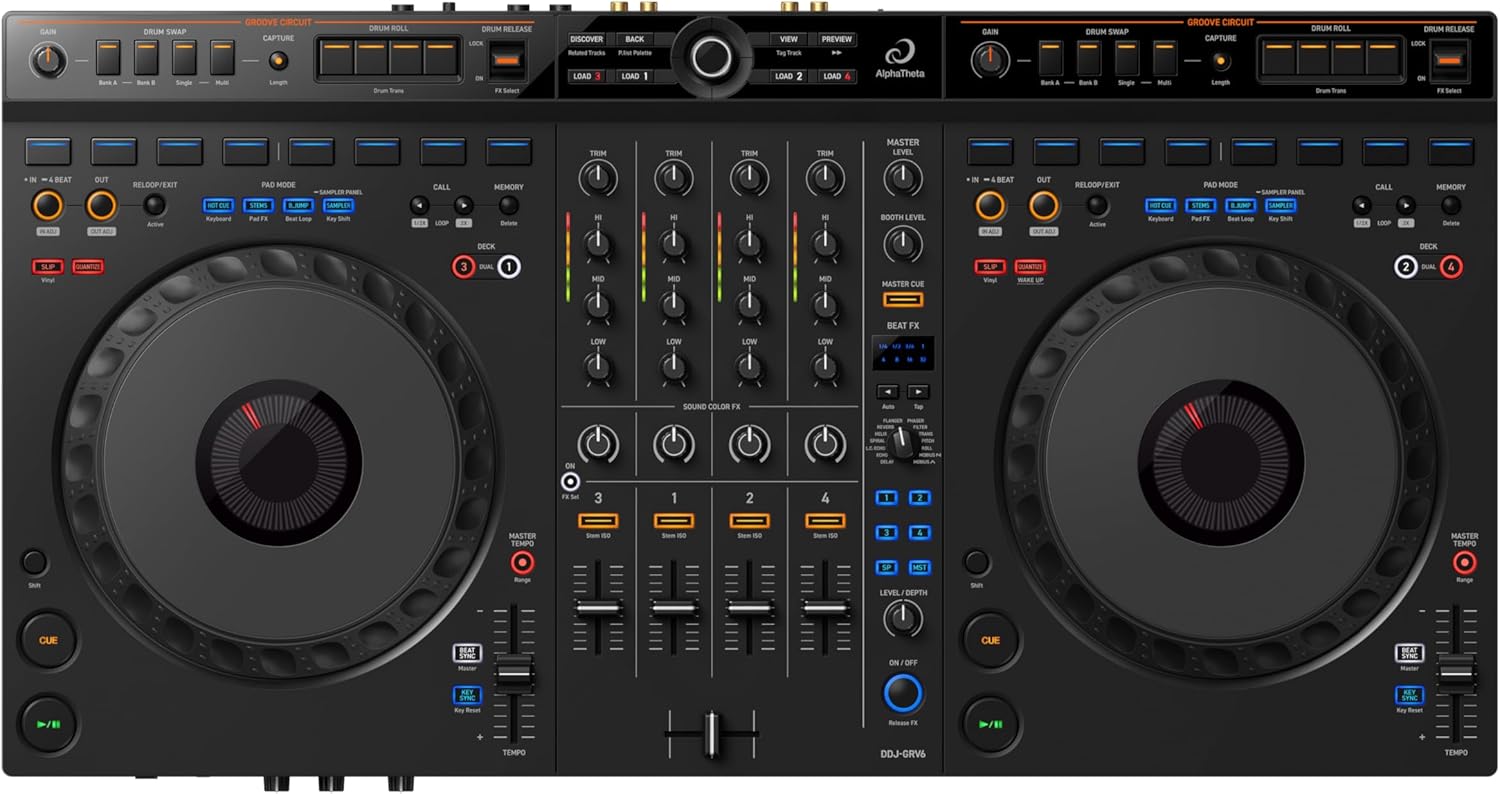
The GRV6 is a 4-channel beast, but it’s heavy to move around and the maintenance is the same as any other controller, just with more faders to clean.
The 10 minute routine
Here’s what I do, and it takes less than 10 minutes. First, a dry microfiber cloth over the jog wheels and the pads. Then a slightly damp cloth (water only, never alcohol) over the body and the fader caps.
Then a can of compressed air into the fader slots and the USB-C port. Then I put it back in its case.
That’s it. I do this every two weeks, and I’ve never had a fader get sticky or a jog wheel get gritty.
The only time I’ve had issues is when I skipped the routine for a month, and then I spent an hour cleaning it instead of 10 minutes.
Prevention is genuinely easier than the cure, and your controller will thank you.