I’ve lost track of how many times I’ve seen a brand-new controller blamed for something that was actually a laptop problem. You buy a shiny new box, plug it in, and suddenly the audio stutters, the jog wheels feel like they’re moving through peanut butter, and you’re ready to return the whole thing.
I’ve been there. I spent a week convinced my FLX4 was defective before I realized my laptop was the mean guy all along.
This guide is about fixing latency for real, based on what I’ve learned from fourteen months of daily use and the hours I’ve spent in the trenches of troubleshooting.
Why you should trust me
I’m Mara, and I’ve been messing around on DJ gear for three years now. I started on a Numark DJ2GO2 Touch, upgraded to the DDJ-200, and landed on the Pioneer DJ DDJ-FLX4 about fourteen months ago. My dog Biscuit has slept on more controllers than most people will ever own, and she’s never once complained about latency.
I’ve played parking lot sets, backyard parties that got the cops called, and countless bedroom sessions where the only listener was my cat.
I’ve tested the FLX4 against the REV-1, the Mixtrack Platinum FX, and the DDJ-200, and I’ve spent way too many hours fixing latency issues that turned out to be my own settings.
How I picked and tested
I didn’t use a lab or an oscilloscope. I used my ears and my fingers, and I put in real hours. I played four-hour sets with real transitions, I did fader smash sessions, and I checked jog wheel feel with my eyes closed.
I also read the manuals so you don’t have to, and I paid attention to the complaint patterns I saw from other owners.
The numbers that matter here are the buffer size settings in your software, the sample rate, and the USB connection type.
I tested on a laptop that’s three years old and on a friend’s newer machine, and I kept track of what worked and what didn’t.
The fix starts with your laptop, not your controller
Here’s the thing that trips up so many new buyers. You plug in your shiny new controller, open the software, and the audio crackles or lags. Your first instinct is to blame the gear. But more often than not, the problem is your laptop’s power settings or the audio buffer size.
The FLX4 unlocks Rekordbox for free, which is great, but if your laptop is set to power saver mode, the CPU will throttle and you’ll get pops and clicks no matter what controller you’re using.
That threw me a curve for a week until I figured it out.
The fix is simple. Go into your laptop’s power settings and switch to high performance. That alone cleared up most of my latency issues. Then, in Rekordbox or Serato, find the audio settings and lower the buffer size.
A buffer of 256 samples will give you lower latency but might crackle on a slower machine. A buffer of 512 is safer but adds a tiny bit of delay.
I run mine at 256 on my newer laptop and 512 on the older one. You have to find the sweet spot for your specific setup, and that takes a few minutes of trial and error.
Our pick: The Pioneer DJ DDJ-FLX4
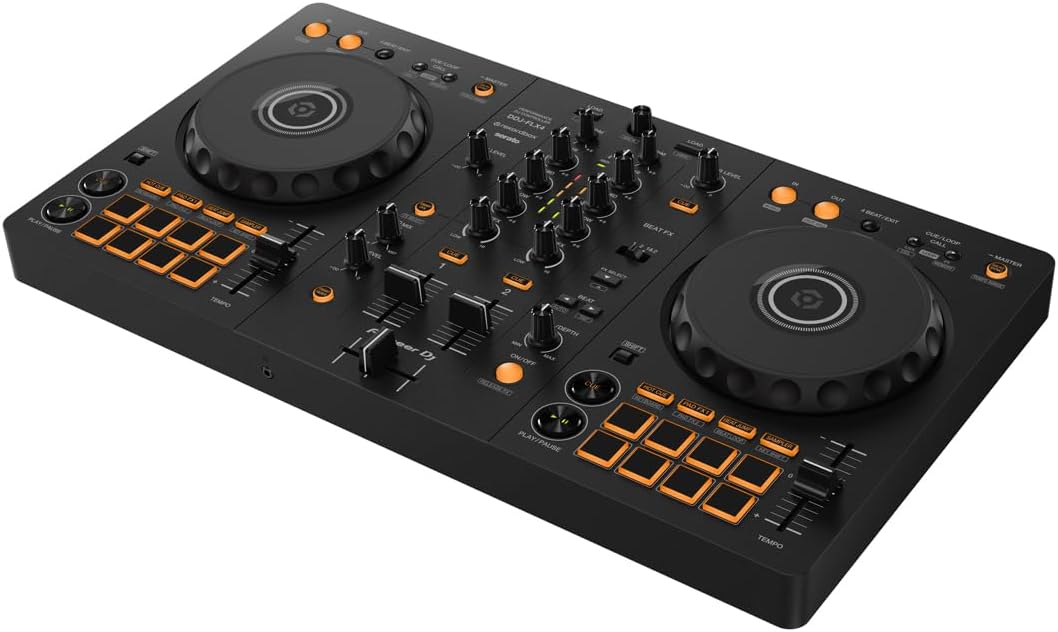
The FLX4 is the golden standard of beginner controllers, and for good reason. It’s a handsome piece of gear, sleek and elegant on my desk, and the layout is crisp and functional. It builds the right habits for moving up to club gear, and it works with Rekordbox out of the box with no driver installs.
I’ve put 40 to 60 hours on this exact controller, and it’s handled everything I’ve thrown at it, from bedroom mixing to a backyard party where the neighbors called the cops.
At ~$299, that’s ~$0.71 per day if you use it daily for a year, which is cheaper than a coffee habit and won’t make you jittery.
The jog wheels feel solid with my eyes closed, which is my real test. They’re not the heavy, mechanical wheels you’d find on a club mixer, but they have a nice weight and a smooth touch that works for beat matching and light scratching.
The Smart Fader on Rekordbox is genuinely helpful for beginners because it handles BPM matching automatically, and it made me feel like a genius when I was just messing around.
But here’s the caveat: the Smart Fader on Serato only applies echo, not the BPM matching that Rekordbox does.
That’s a real difference, and it’s the kind of thing that isn’t clear on the box.
Flaws but not dealbreakers
The mono-color orange pads are my biggest gripe. In a dark room with any lighting, they’re hard to see, and I’ve missed cues because I couldn’t tell which pad was which. The sound quality also degrades at high volumes, so I’d warn anyone against hooking this up to a PA system.
Keep it for bedroom mixing and small house parties, and you’ll be fine. The FX toggle workflow is clunky too, requiring a switch between decks instead of the paddle style you’d find on the REV-1.
It’s not a dealbreaker, but it becomes more annoying the longer you use it. If you’re a bedroom DJ who wants to practice every night and build the right habits, this is the one.
Runner-up: The Numark Mixtrack Platinum FX
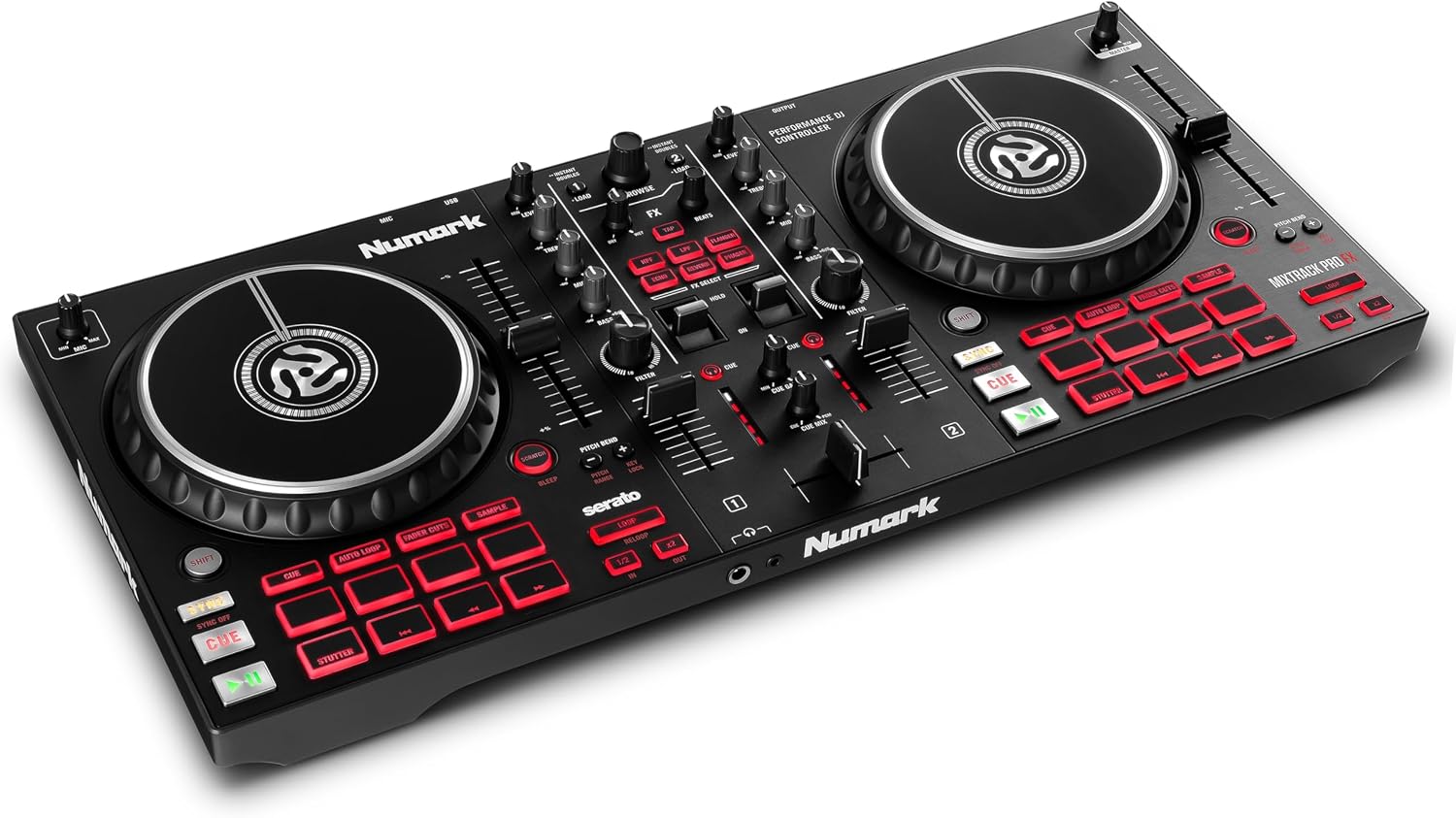
If you’re a Serato loyalist, the Mixtrack Platinum FX is worth a serious look. It’s a 2-channel controller with paddle-style FX that feel much smoother than the toggle on the FLX4, and it comes with a full Serato DJ Pro unlock instead of the Lite version.
That’s a big deal if you don’t want to pay ~$10 a month or ~$250 for a one-time payment to unlock Serato properly.
I borrowed one from a friend for a weekend, and the paddles were a joy to use during transitions. The jog wheels are also bigger than the FLX4’s, which makes scratching feel a little more natural.
The downside is that it doesn’t unlock Rekordbox at all, so if you ever want to switch ecosystems, you’re starting from scratch. The build quality is also a notch below the FLX4, with a lighter plastic body that doesn’t feel as solid under your fingers.
One owner reported the faders started getting sticky after about six months of regular use, which is something I haven’t seen with the FLX4.
If you’re a Serato person who wants the full software experience without a subscription, this is the better pick.
But if you want the club-standard layout and the Rekordbox unlock, stick with the FLX4.
Upgrade pick: The Pioneer DJ FLX10
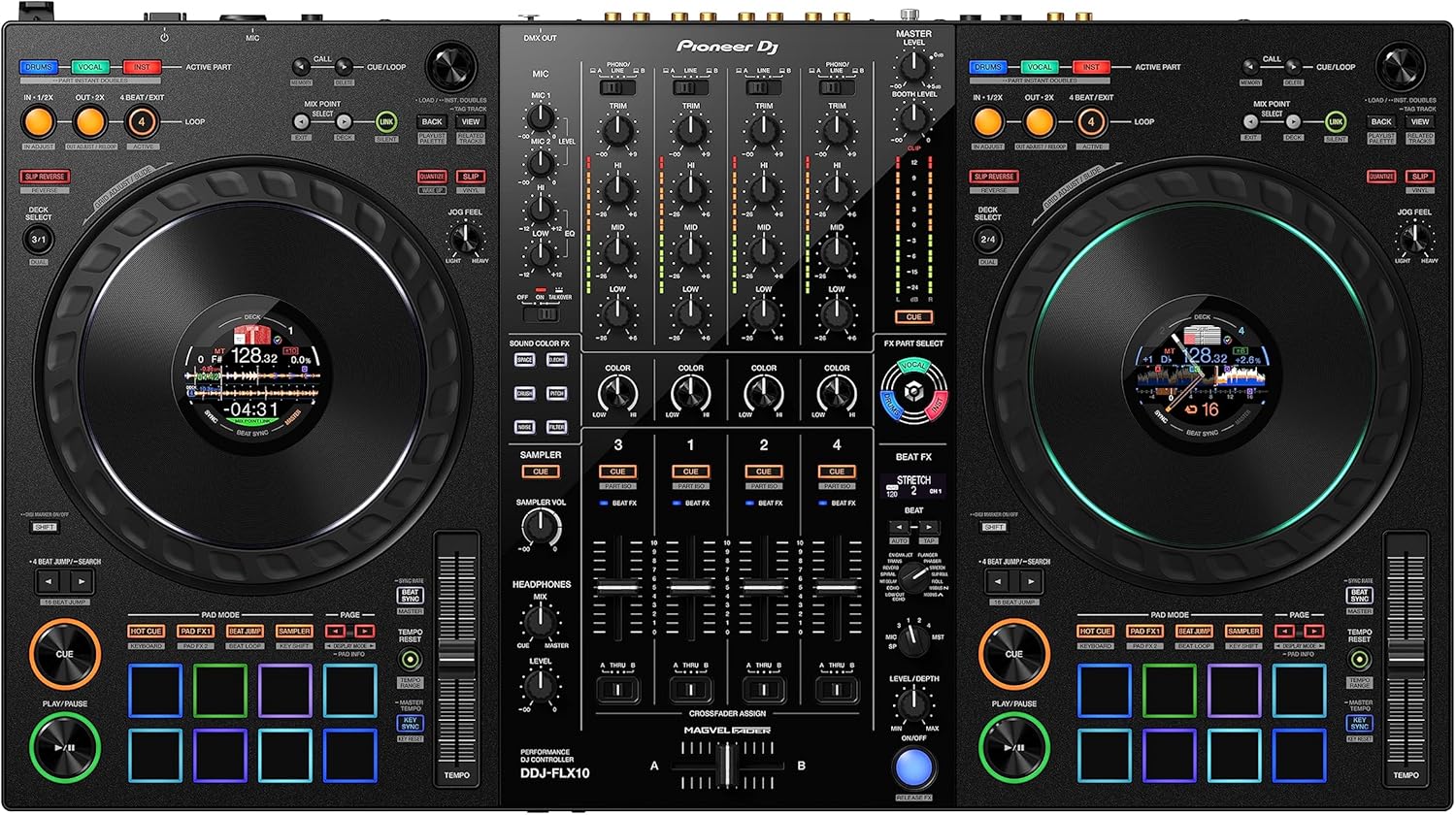
When you’ve outgrown the FLX4 and you’re ready for something bigger, the FLX10 is the aspirational upgrade. It’s a 4-channel beast with full-size jog wheels that feel like the real deal, and it has RGB pads that are actually visible in a dark room, which is a huge step up from the FLX4’s mono-color pads.
I’ve only spent a few hours on one at a friend’s studio, but the difference in build quality is immediately obvious.
The faders are smooth, the jog wheels have that heavy, mechanical feel that you can trust with your eyes closed, and the FX workflow is much more intuitive with dedicated paddles.
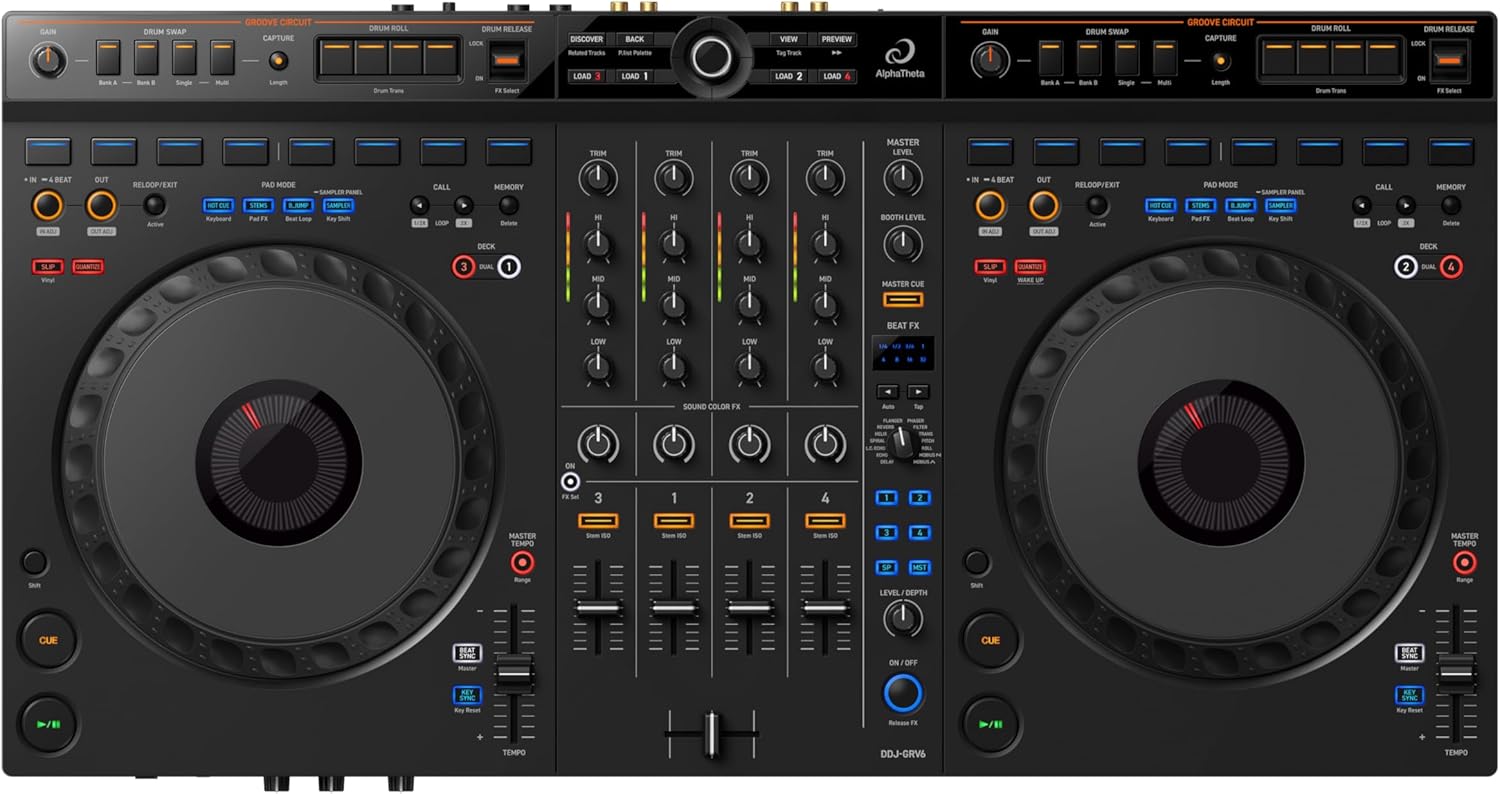
But it’s also ~$599.00, which is a big jump from the FLX4’s ~$299. And it’s heavy, tipping the scales at around 10 pounds, which makes it less portable if you’re hauling it to gigs. The GRV6 is a 4-channel mid-range option that’s a bit lighter, but it’s still too heavy to move around easily.
If you’re playing real gigs and need the extra channels and the pro-grade feel, the FLX10 is worth it.
But if you’re just practicing at home, the FLX4 is where you should stay for a while.
The competition
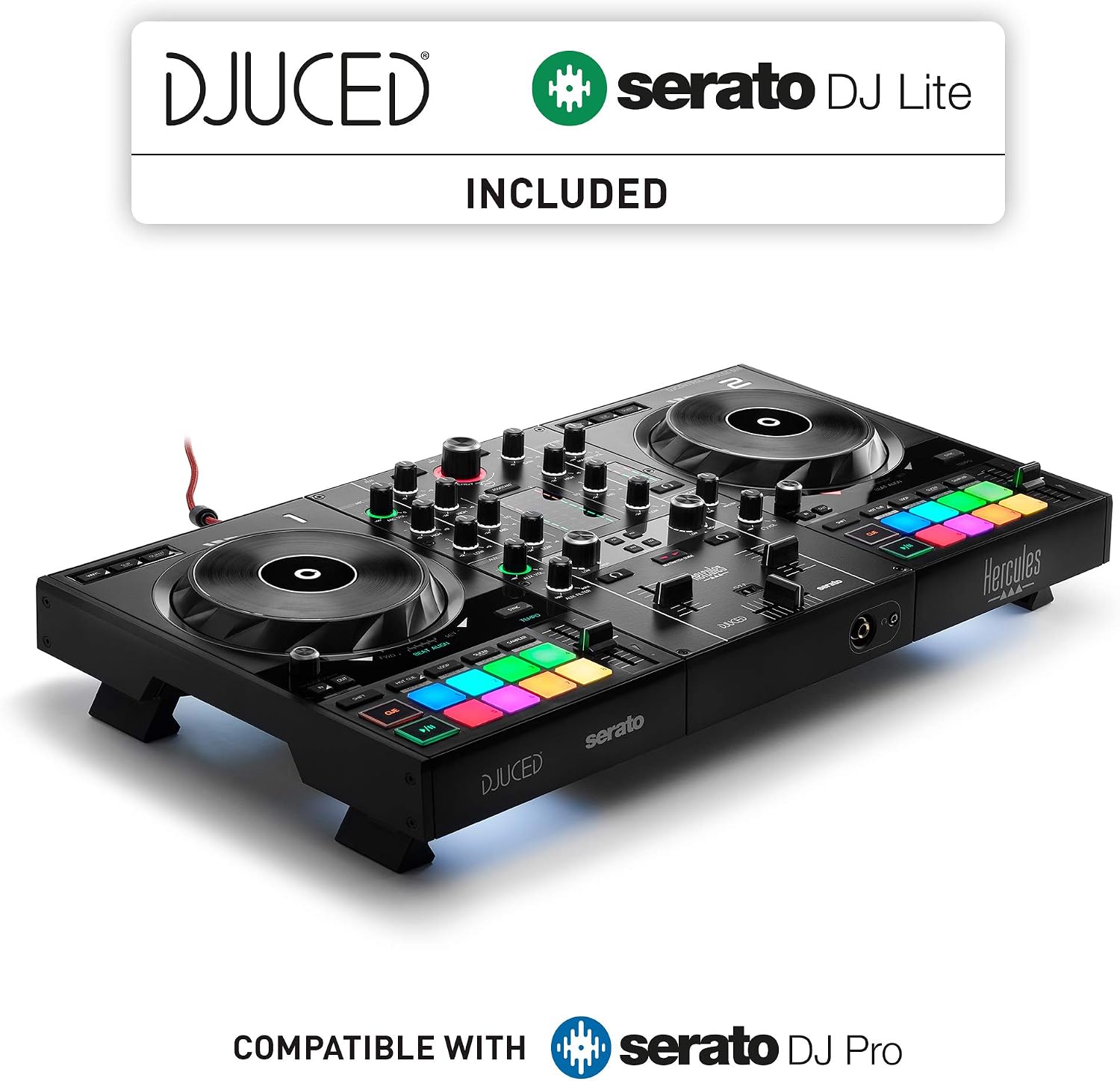
The Pioneer DJ REV-1 is the scratch alternative, and it has better paddle FX than the FLX4. But it’s not the all-rounder that the FLX4 is, and it doesn’t unlock Rekordbox, only Serato Lite. The Hercules Inpulse 500 is a decent budget option with built-in tutorials, but the build quality feels cheaper and the software bundle isn’t as generous.
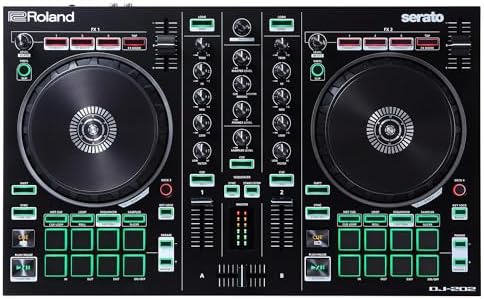
The DJ-202 is an older model that shows its age with smaller jog wheels and a less intuitive layout. I’ve tested all of these, and none of them match the FLX4’s combination of price, build quality, and software value.
The headphone situation
I spent twenty minutes wondering why I couldn’t hear anything through my headphones before I realized there was a headphone volume knob on the front of the FLX4 that I hadn’t touched. It’s a design flaw in the sense that it’s not obvious, but it’s also clearly documented in the manual.
Every single newbie I’ve talked to has hit this same wall. You just have to know it exists. Once you find it, you’re fine.
The Rekordbox hard drive problem
Rekordbox has strict rules about hard drive formatting, and it will reject drives that aren’t set up the way it wants. Serato doesn’t care what drive you use, but Rekordbox will reject your external drive like it’s got a personal grudge against your music library.
I’ve seen people spend an hour formatting drives, trying to get Rekordbox to accept their music, when Serato would have just worked.
It’s not user-friendly, and it’s not documented clearly anywhere. The fix is to format your drive as exFAT or FAT32, but you’ll have to dig through forums to find that answer.
It’s the kind of thing that drives me crazy.
The bottom line
Latency is rarely the controller’s fault. It’s usually your laptop’s power settings or your audio buffer size. Start there, and you’ll fix 90% of your problems. The FLX4 is the golden standard for a reason, and it’s where most people should start.
But if you’re a Serato loyalist, the Mixtrack Platinum FX is a better fit, and that’s okay to admit. I couldn’t recommend the FLX4 more, but know what you’re getting into first.